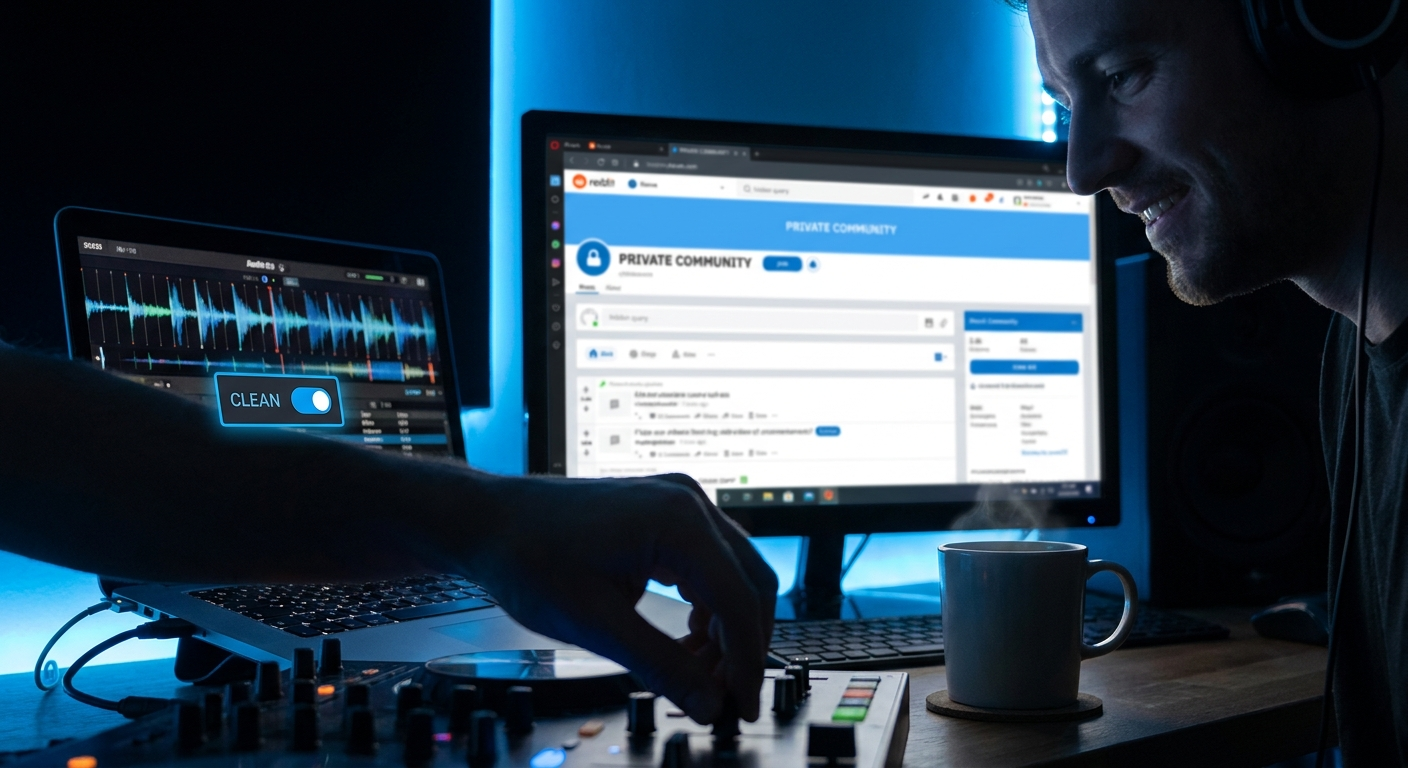
Ever spent hours crafting the perfect party playlist, only to have a single curse word turn your dance floor into an awkward silence? You're not alone. Finding clean versions of songs used to feel like hunting for a needle in a haystack—but 2026 changes everything.
Whether you're DJing a wedding, planning a school dance, or hosting a family-friendly backyard BBQ, clean versions of songs are non-negotiable. But here's the truth most experts won't tell you: the old methods (scouring YouTube, relying on radio edits) are dying. The new secret? Smart tools, smarter workflows, and a few pro tricks that save you hours.
In this guide, you'll discover the exact system to find, verify, and organize clean versions of songs in 2026. We'll cover everything from AI-powered filtering to hidden features in streaming platforms—plus a killer playlist template you can steal. Ready to stop worrying and start dancing? Let's dive in.
🎯 Key Takeaways
- Clean versions of songs are easier to find in 2026 thanks to AI tagging and improved metadata
- Streaming platforms like Spotify and Apple Music now offer built-in "clean" filters—but they're not perfect
- You can use PartyMusicPlaylist.com to automatically detect and swap explicit tracks for clean alternatives
- Professional DJs rely on specific tools and databases to guarantee clean versions before events
- Creating your own clean version with basic audio editing is faster than you think
Why Clean Versions of Songs Matter More in 2026
Let's face it: music has gotten more explicit over the past decade. According to a 2024 study by the University of Southern California, over 60% of Billboard Hot 100 songs contain explicit language—up from just 35% in 2010. That means your playlist needs a serious filter.
But it's not just about avoiding bad words. Clean versions of songs ensure your event stays inclusive. Grandparents, kids, and colleagues can all enjoy the same beats without anyone feeling uncomfortable. And in 2026, with more multi-generational gatherings than ever, this matters.
Plus, there's a legal angle: public venues and schools often have strict policies against explicit music. Playing an unedited track could get you fined or banned. Clean versions of songs are your safety net.
- Inclusivity — Everyone from age 5 to 95 can dance together
- Professionalism — DJs and event planners look polished and prepared
- Peace of mind — No awkward moments when the DJ accidentally drops an F-bomb
The Old Way vs. The 2026 Way
Remember the old strategy? You'd search YouTube for "clean version [song name]" and hope for the best. Or you'd manually skip tracks that might be risky. It was messy, time-consuming, and unreliable.
In 2026, that approach is ancient history. Here's what's changed:
- AI-powered metadata — Streaming services now tag explicit vs. clean versions at the song level
- Collaborative filtering — Apps like PartyMusicPlaylist use crowd-sourced data to flag explicit tracks
- Direct artist releases — Many artists now release clean versions as separate singles on day one
- Audio fingerprinting — Tools like Shazam can now detect explicit content in real-time
💡 Pro Tip: The biggest time-saver in 2026 is using a smart playlist creator that automatically filters explicit content. You input your vibe, and it generates a clean-ready playlist in seconds.
How to Find Clean Versions of Songs in 2026: Step-by-Step
Here's a foolproof system that works for any song, any genre, any event. Follow these steps and you'll never play an explicit track by accident again.
- Start with your streaming platform's built-in filter. Open Spotify, Apple Music, or YouTube Music. Go to Settings > Explicit Content > Block. This hides explicit tracks from search results. But be warned: it's not 100% accurate.
- Use a dedicated clean version database. Sites like CleanVersion.com or CensoredMusic.com let you search specific songs and see if a clean version exists. They also provide direct download links for offline use.
- Check the artist's official discography. Many artists now release "clean edit" or "radio edit" versions alongside the explicit. Look for these on the artist's official YouTube channel or Bandcamp page.
- Create your own clean version. If no clean version exists, use a basic audio editor like Audacity (free) to mute or bleep the explicit words. It takes 2 minutes.
- Verify before your event. Use PartyMusicPlaylist's built-in "Clean Check" tool. It scans your entire playlist and flags any explicit content you missed.
⚠️ Heads Up: Never rely on a single source. Always cross-check clean versions against the original. Some "clean" edits still slip in mild profanity or suggestive lyrics.
The Best Clean Versions of Songs for Weddings
Weddings are the ultimate test for clean playlists. You've got grandparents, kids, and drunk uncles all on the same dance floor. Here are the essential clean versions that never fail.
- "At Last" by Etta James — Innocent and timeless, perfect for the first dance
- "Thinking Out Loud" by Ed Sheeran — The clean version is identical to the original (he doesn't swear)
- "Can't Help Falling in Love" by Elvis Presley — Classic, clean, and romantic
- "Marry You" by Bruno Mars — Upbeat and family-friendly
- "All of Me" by John Legend — Emotional and perfectly clean
Editor's Top Picks for Weddings
- "Uptown Funk" by Mark Ronson ft. Bruno Mars — The clean version is widely available and always gets the crowd moving
- "Happy" by Pharrell Williams — Naturally clean and universally loved
- "Shake It Off" by Taylor Swift — Taylor's clean version is her official single
Clean Versions for School Dances & Youth Events
School dances in 2026 are stricter than ever. Many districts now require DJs to submit playlists for approval 48 hours in advance. Here's your go-to list for clean versions that still feel cool.
- "Levitating" by Dua Lipa — The clean version drops a single mild word; still a banger
- "Good 4 U" by Olivia Rodrigo — The clean edit replaces "f*" with "so"
- "Peaches" by Justin Bieber — Naturally clean and smooth
- "Watermelon Sugar" by Harry Styles — No explicit language, but check for suggestive themes
- "Blinding Lights" by The Weeknd — The clean version is identical to the radio edit
💡 Pro Tip: For school events, always play the "radio edit" version. These are specifically mixed for broadcast and guaranteed clean. You can find them on any streaming platform by adding "radio edit" to your search.
How to Create Your Own Clean Version of a Song
What happens when your must-play song has no clean version available? You don't scrap it. You make your own. Here's exactly how, using free tools.
- Download the original track from a legal source (iTunes, Amazon Music, or your streaming service's offline mode).
- Open Audacity (free, open-source audio editor). Import the song.
- Identify the explicit sections by listening and looking at the waveform. Spikes often indicate swear words.
- Select the explicit word and use Effect > Silence Audio. Or use Effect > Reverse to create a "bleep" sound.
- Export as MP3 and name it "[Song Title] - Clean Edit". Test it before your event.
⚠️ Heads Up: This method works for personal use only. Don't distribute or sell your edited versions. Copyright laws still apply.
The Hidden Features of Streaming Platforms in 2026
Most people don't know that Spotify, Apple Music, and YouTube Music have secret clean-version features. Let's unlock them.
- Spotify — Go to Settings > Playback > Explicit Content > Block. Then create a playlist and use the "Filter" dropdown to show only clean tracks. Hidden tip: Spotify's "Clean Radio" playlist is auto-updated weekly.
- Apple Music — In Settings > Restrictions, toggle "Explicit Content" off. Then search for "clean version" in the search bar. Many songs have a separate clean entry.
- YouTube Music — Use the filter icon (three sliders) and select "Clean" under Content Rating. This works for both songs and music videos.
- Amazon Music — In the app, go to Settings > Explicit Content Filter > On. Then browse the "Clean Hits" playlist.
📝 Note: Even with these filters, some explicit tracks slip through. Always manually verify your playlist using a second tool like PartyMusicPlaylist for 100% confidence.
Common Mistakes DJs Make with Clean Versions
Even experienced DJs mess this up. Here are the most common pitfalls—and how to avoid them.
- Assuming "radio edit" means clean — Not always. Some radio edits only shorten the song, not remove profanity. Always listen first.
- Using YouTube for live events — YouTube's "clean" tags are user-generated and often wrong. Plus, audio quality is lower for a dance floor.
- Forgetting to check instrumental versions — Instrumentals are always clean, but they lack vocals. Use them sparingly for transitions.
- Not having a backup plan — What if your clean version fails to download? Always carry a USB drive with 5-10 emergency clean tracks.
💡 Pro Tip: Create a "Clean Emergency Kit" folder on your laptop with 20 essential clean versions. Update it monthly. When a guest requests a song you don't have clean, you can quickly grab a replacement.
Expert Tools Every DJ Needs for Clean Versions
Here are the power tools that pro DJs use in 2026 to guarantee clean playlists.
- CleanVersion.com — Searchable database with over 500,000 clean versions. Includes download links and metadata.
- Mixed In Key — This DJ software now includes a "Clean Check" feature that scans your entire library and flags explicit tracks.
- PartyMusicPlaylist.com — Creates entire clean playlists based on your event type. Also offers a "Swap Explicit" button that automatically replaces dirty tracks with clean alternatives from your streaming library.
- Audacity — Free audio editor for creating your own clean versions (see section above).
- Shazam for DJs — Shazam's new "Content Rating" feature tells you if a song is explicit before you play it.
How to Build a Clean Playlist in Under 10 Minutes
Time is your most valuable asset. Here's a rapid-fire system to build a clean playlist fast.
- Use a template — Visit PartyMusicPlaylist's template library and choose "Clean Wedding" or "Clean School Dance." These are pre-vetted.
- Add your must-play songs — Use the search bar and toggle "Clean Only" filter.
- Let AI suggest fillers — The system will recommend similar clean tracks to round out your playlist.
- Run a final check — Click "Verify Clean" and the tool flags any explicit content you missed.
- Export — Download as a CSV for your DJ software or share directly to Spotify/Apple Music.
💡 Pro Tip: Always save your clean playlist as a separate file from your explicit playlist. Label it clearly: "[Event Name] - CLEAN v1". This prevents accidental playback of the wrong version.
Future Trends: Clean Versions in 2027 and Beyond
The music industry is moving toward a cleaner default. Here's what's coming next.
- AI-generated clean versions — Tools that automatically replace profanity with contextually appropriate words (e.g., "so" instead of "f*") are already in beta.
- Universal clean metadata — A new industry standard (MusicBrainz 2.0) will tag every song release with explicit/clean status at the track level.
- Smart speakers — Devices like Amazon Echo and Google Nest will automatically detect and mute explicit content during family events.
- Streaming platform rules — Spotify and Apple Music are testing "Family Mode" that forces clean versions for all users on a shared account.
📝 Note: These trends mean clean versions will become easier to find, but human verification will still be essential for at least the next 2-3 years.
Frequently Asked Questions
PartyMusicPlaylist Team
Helping you create the perfect soundtrack for life's most memorable moments. Expert tips on event music planning, DJ coordination, and playlist curation.
Learn MoreReady to Plan Your Event Music?
Create the perfect playlist for your special event. Search songs, organize your timeline, and share with your DJ.
Get Started FreeRelated Articles
Continue reading