Let's be honest. You've probably spent hours crafting the perfect Spotify playlist for your upcoming party. You've debated between Beyoncé and Lizzo. You've agonized over the BPM transition from pop to hip-hop. But here's the uncomfortable truth that most party hosts discover the hard way: an algorithm cannot read a room.
In 2026, streaming services are smarter than ever. But they still miss the human element that separates a good party from an unforgettable one. That's where a professional DJ enters the picture. This article breaks down exactly why DJs still dominate Spotify playlists, even in our hyper-digital age.
You'll learn the four surprising reasons that explain the dj vs spotify playlist debate. More importantly, you'll discover how to combine the best of both worlds. Whether you're planning a wedding, a corporate event, or a backyard bash, this guide will help you make the right call for your next gathering.
🎯 Key Takeaways
- Human DJs adapt to crowd energy in real-time, while playlists follow a fixed order
- Professional DJs read body language and adjust song selection on the fly
- Spotify playlists struggle with seamless transitions and crowd control
- Combining a DJ with guest song requests through PartyMusicPlaylist creates the ultimate party experience
- Your venue size, guest age range, and event type determine which option works best
Reason #1: DJs Read the Room — Algorithms Guess at It
The most significant advantage a human DJ has over any streaming playlist is real-time crowd reading. A Spotify playlist follows a predetermined order. It doesn't see the dance floor thinning. It doesn't notice when guests start checking their watches.
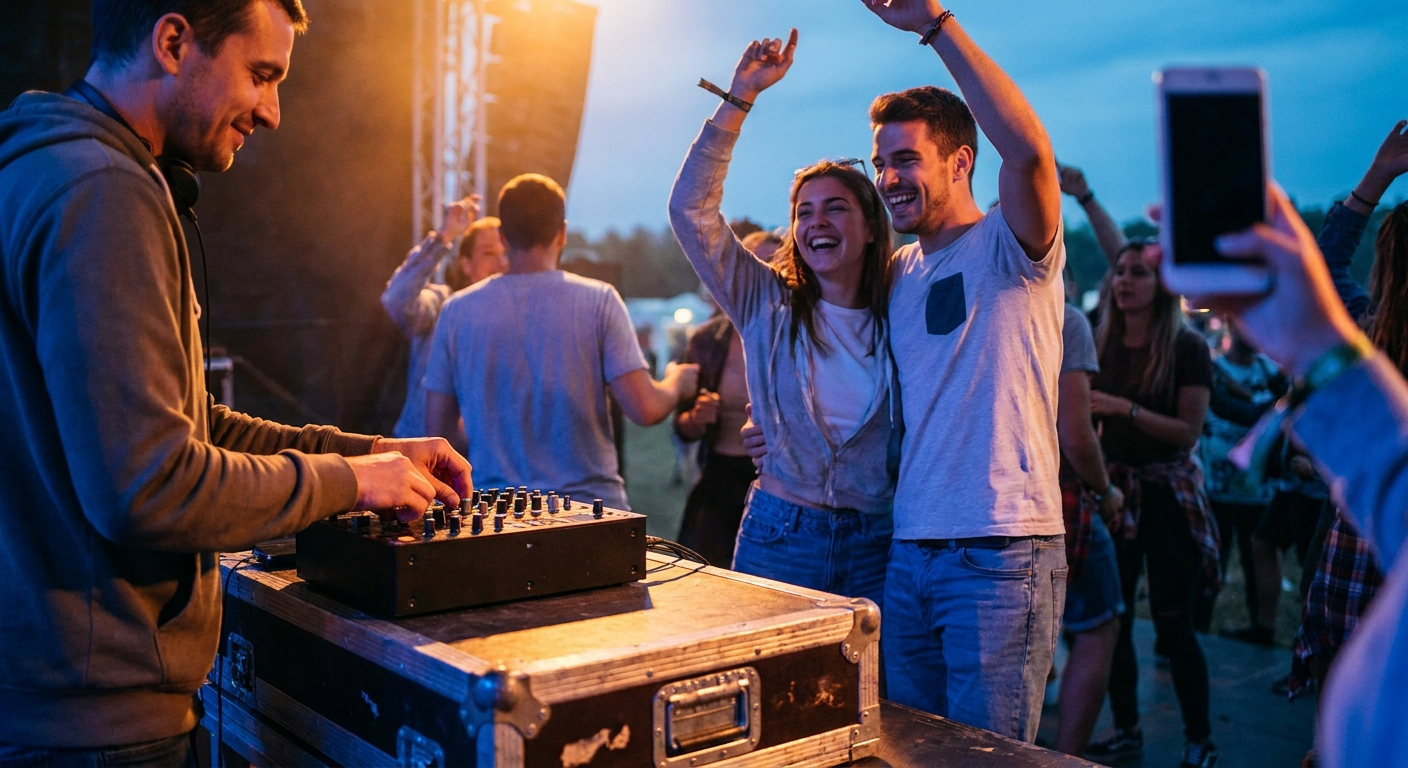
A skilled DJ, on the other hand, watches your guests constantly. They see the subtle shifts in energy. They notice when a song isn't landing and switch gears immediately.
💡 Pro Tip: The best DJs have a mental "Plan B" for every three songs they play. If a track isn't working within 30 seconds, they're already cueing up the next one. No algorithm can match that instinct.
Real-World Example: The Wedding Energy Shift
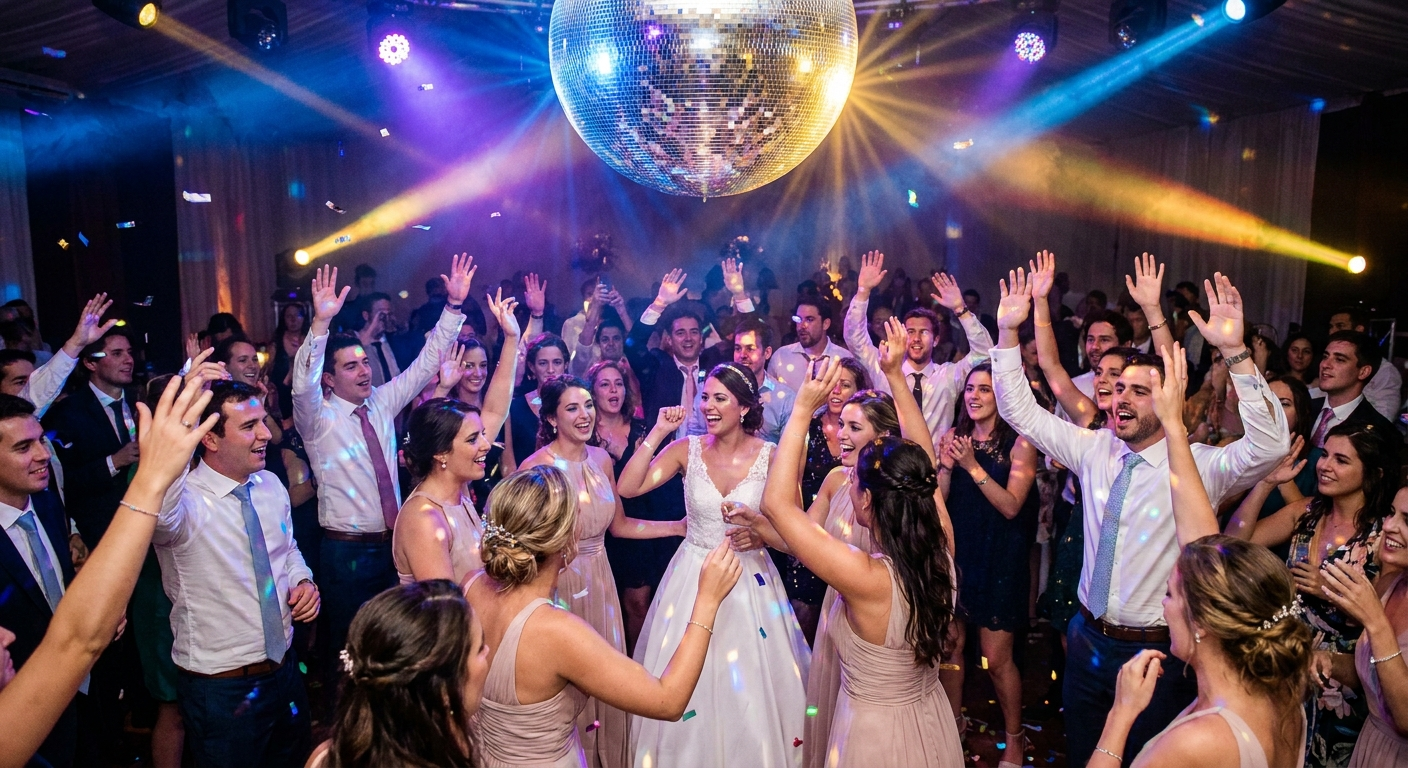
Imagine a wedding reception. The DJ starts with Frank Sinatra for the older guests. But then a group of twenty-somethings hits the floor. A Spotify playlist would continue playing Sinatra for another three minutes. A DJ? They'd crossfade into Dua Lipa within 15 seconds.
This flexibility is why professional DJs charge premium rates. They're not just pressing play. They're conducting the energy of an entire room.
When Playlists Work (and When They Don't)
- Playlist Wins: Background dinner music, cocktail hours, low-key gatherings
- DJ Wins: Weddings, birthday parties, corporate events, any event with dancing
Reason #2: Seamless Transitions vs. Abrupt Cuts
Have you ever heard a Spotify playlist end a song, then leave 2-3 seconds of silence before the next track? That awkward gap kills momentum. On a packed dance floor, momentum is everything.
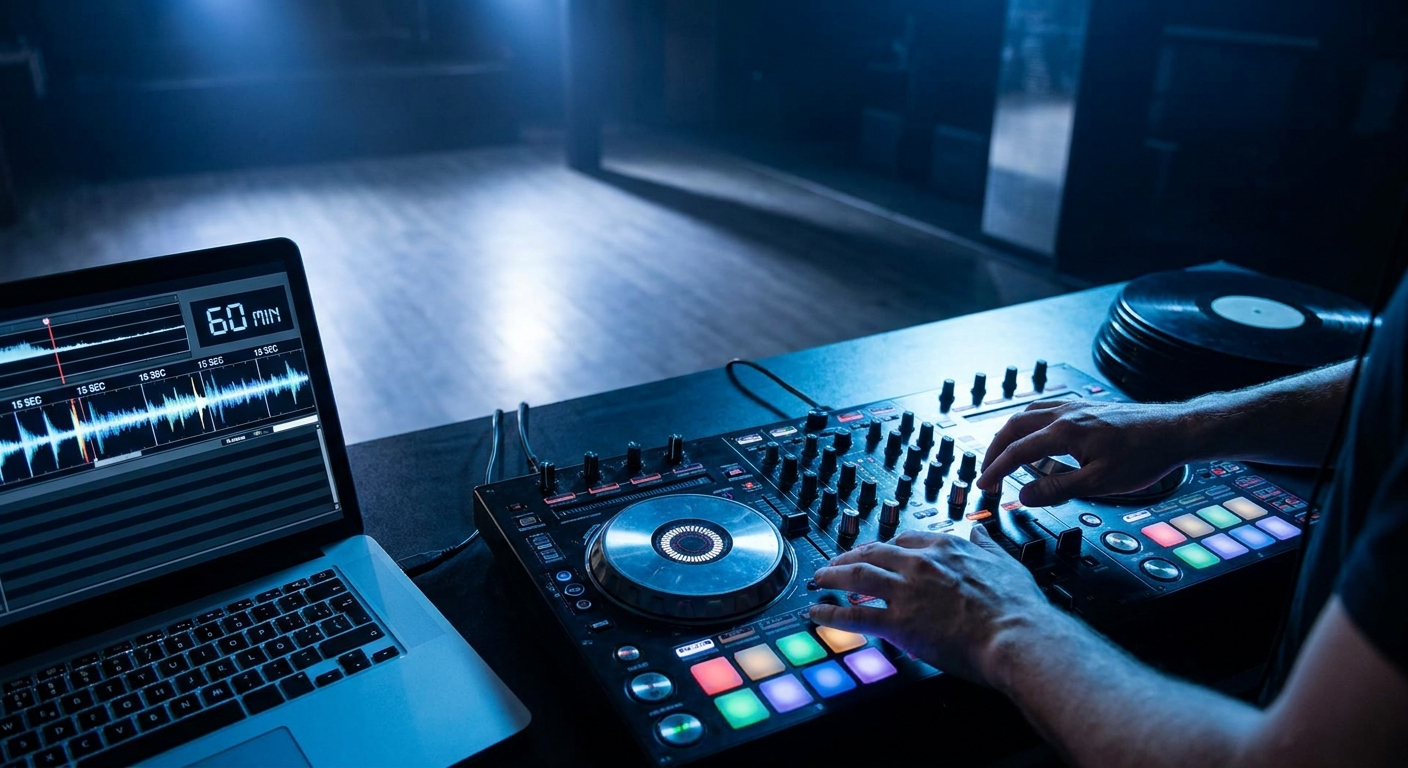
Professional DJs use beatmatching, harmonic mixing, and creative transitions to keep the energy flowing. They blend the end of one song into the beginning of the next. The result? No dead air. No awkward pauses. Just a continuous wave of music that keeps people moving.
The Science of the Mix
DJs train for years to master transitions. They consider BPM (beats per minute), key signatures, and phrase matching. A Spotify playlist simply queues songs in order. There's no intelligence behind the sequence beyond what you manually organized.
⚠️ Heads Up: If you're using a Spotify playlist for dancing, always enable crossfade in the app settings. Set it to 6-8 seconds for the smoothest experience. But even then, you won't match a DJ's ability to create dramatic drops and build-ups.
Song Transition Example
- "Levitating" by Dua Lipa — A DJ might mix the outro into the intro of "Don't Start Now" for a seamless pop flow
- "Blinding Lights" by The Weeknd — A DJ could transition this 80s-inspired track into "Save Your Tears" using a key-matched blend
- "Uptown Funk" by Mark Ronson ft. Bruno Mars — This classic party starter transitions perfectly into "24K Magic" by Bruno Mars with a simple beatmatch
Reason #3: Crowd Control and Request Management
Here's a scenario you've probably experienced: You're at a party. Someone requests a song. The host fumbles with their phone, searches through Spotify, and either plays it immediately (disrupting the flow) or ignores it (disappointing the guest).
A professional DJ handles requests differently. They have a mental library of thousands of songs. They can take a request and integrate it naturally into the current vibe. They might say, "Great request! I'll play it in about 10 minutes when the energy shifts."
Why Guest Requests Matter
Studies show that guests who hear their song requests feel more engaged and stay longer at events. But poorly managed requests can ruin a playlist's flow. This is where a tool like PartyMusicPlaylist becomes invaluable.
With our platform, guests can submit song requests before the event. You or your DJ can review and organize them. This creates a collaborative playlist that combines the best of human curation with guest input.
Must-Have Request Management Tips
- Set a request deadline 48 hours before your event — this gives your DJ time to prepare
- Create a "no-repeat" policy — avoid playing the same song twice
- Prioritize requests that fit your event's theme — a wedding needs different songs than a college party
- Use PartyMusicPlaylist to collect requests digitally — no paper slips or forgotten texts
Reason #4: Equipment and Sound Quality
Here's something most people overlook: sound quality matters. A Spotify playlist played through a laptop speaker sounds thin and flat. Even through decent Bluetooth speakers, the audio lacks the punch and clarity of professional sound systems.
Professional DJs bring their own equipment. They have high-quality mixers, powered speakers, subwoofers, and monitoring systems. They understand room acoustics and can adjust EQ settings to compensate for challenging spaces.
The Difference in Decibels
A typical home speaker outputs around 80-90 decibels. A professional DJ system can push 120+ decibels with clean, distortion-free sound. That extra volume and clarity creates physical energy that makes people want to move.
📝 Note: If you're hosting a small gathering (under 20 people), a high-quality Bluetooth speaker might suffice. But for any event with 30+ guests and dancing, invest in a DJ or rent professional sound equipment.
How to Combine DJs and Spotify Playlists for the Perfect Event
You don't have to choose one or the other. The smartest event hosts blend both approaches. Here's a step-by-step strategy that works every time.
Step 1: Build Your Foundation with a Playlist
Start by creating a master playlist on Spotify. Include 50-100 songs that fit your event's vibe. Use PartyMusicPlaylist templates to get started quickly. This playlist serves as your DJ's reference material.
Step 2: Hire a DJ for Critical Moments
For key moments like the first dance, cake cutting, or peak dancing hours, a DJ is irreplaceable. Their ability to read the room and create memorable moments justifies the investment.
Step 3: Use Guest Requests to Fill Gaps
Collect guest song requests using PartyMusicPlaylist's request feature. Share these with your DJ before the event. This ensures everyone hears something they love without disrupting the flow.
Step 4: Create Backup Playlists
Always have a backup plan. Create 2-3 themed playlists (dinner music, dance hits, slow songs) in case your DJ needs a break or technical issues arise.
🎵 The Ultimate Hybrid Approach: Use a DJ for the first 2-3 hours of your event (when energy is highest), then transition to a curated playlist for the wind-down. This gives you professional energy during peak times while saving money on longer events.
When Spotify Playlists Actually Win
Let's be fair. Spotify playlists have their place. For certain scenarios, they're the better choice. Here's when you should stick with your playlist.
- Background ambiance events — dinner parties, art gallery openings, coffee shop vibes
- Small gatherings — under 15 people where conversation is the main activity
- Budget-conscious events — when a DJ simply doesn't fit your budget
- Personal use — working out, road trips, solo listening
- Quick setups — last-minute parties where booking a DJ isn't feasible
When You Absolutely Need a DJ
Conversely, here are the scenarios where a DJ is non-negotiable.
- Weddings — the most important event of someone's life deserves professional curation
- Corporate galas — presentations, awards, and networking require seamless transitions
- Sweet 16s and milestone birthdays — high energy, mixed age groups, lots of requests
- Nightclub-style parties — dancing is the main event, not a side activity
- Multi-generational events — a DJ can navigate between generations smoothly
The 5 Biggest Mistakes People Make in the DJ vs Spotify Debate
After watching hundreds of events succeed and fail, I've identified the most common mistakes. Avoid these at all costs.
⚠️ Heads Up: Mistake #1 is the most common and the most damaging. Read carefully.
Mistake #1: Assuming One Size Fits All
Your cousin's wedding had a DJ and it was amazing. So you book the same DJ for your backyard BBQ. Wrong move. Every event has unique energy. A DJ who crushes a nightclub might be terrible for a daytime garden party.
Mistake #2: Ignoring Your Guest Demographics
A playlist filled with 2026 pop hits will bomb at a 50th wedding anniversary. A DJ with a diverse library can pivot between genres. Know your crowd before choosing your music source.
Mistake #3: Overloading the Playlist
Spotify playlists with 500+ songs seem impressive. But they're impossible to manage. Stick to 50-100 well-curated tracks. Quality over quantity always wins.
Mistake #4: Forgetting About Transition Timing
Even with crossfade enabled, Spotify playlists can't match a DJ's ability to time transitions with crowd energy. If you're using a playlist, manually order songs by energy level (high to low) rather than randomly.
Mistake #5: Not Testing Your Setup
Nothing kills a party faster than technical issues. Test your speakers, check your internet connection, and have backup cables ready. A DJ brings their own backup equipment. You should too.
Expert Tips for Hosting the Perfect Party with Music
Whether you choose a DJ or a Spotify playlist, these expert tips will elevate your event.
TL;DR: Plan ahead, know your crowd, test your equipment, and always have a backup. Use PartyMusicPlaylist to collect guest requests and organize your music strategy.
Tip #1: Start with a Strong Opener
The first 15 minutes of music set the tone. Choose 3-4 high-energy, universally loved songs to kick things off. Think "Happy" by Pharrell Williams or "Can't Stop the Feeling!" by Justin Timberlake.
Tip #2: Plan Energy Peaks and Valleys
Great parties have a natural rhythm. High-energy dance tracks should be followed by slower, more mellow songs. This gives guests a chance to catch their breath before the next peak.
Tip #3: Use Guest Requests Strategically
Collect requests using PartyMusicPlaylist and play them during natural energy dips. This keeps guests engaged and creates a sense of ownership over the music.
Tip #4: End on a High Note
Your last 3-4 songs should be absolute bangers. End with a classic that everyone knows. Think "Don't Stop Believin'" by Journey or "We Are Family" by Sister Sledge.
Real Song Examples for Every Party Moment
Here are actual song recommendations organized by party moment. Use these as inspiration for your playlist or share them with your DJ.
Opening Songs (First 30 Minutes)
- "Levitating" by Dua Lipa — infectious energy, modern crowd-pleaser
- "Uptown Funk" by Mark Ronson ft. Bruno Mars — instant dance floor filler
- "Blinding Lights" by The Weeknd — 80s-inspired groove that works for all ages
- "I Gotta Feeling" by The Black Eyed Peas — timeless party anthem
- "Good as Hell" by Lizzo — empowering, upbeat, and fun
Peak Dance Floor Songs
Peak Hour Bangers
- "Don't Start Now" by Dua Lipa — perfect for high-energy dancing
- "Industry Baby" by Lil Nas X — modern rap with a stadium feel
- "Shake It Off" by Taylor Swift — universal crowd participation
- "Get Low" by Lil Jon — classic club banger that never fails
Wind-Down Songs (Last 30 Minutes)
- "At Last" by Etta James — romantic and timeless
- "Stand by Me" by Ben E. King — classic singalong
- "Time After Time" by Cyndi Lauper — nostalgic and warm
- "What a Wonderful World" by Louis Armstrong — perfect closing track
Frequently Asked Questions
PartyMusicPlaylist Team
Helping you create the perfect soundtrack for life's most memorable moments. Expert tips on event music planning, DJ coordination, and playlist curation.
Learn MoreReady to Plan Your Event Music?
Create the perfect playlist for your special event. Search songs, organize your timeline, and share with your DJ.
Get Started FreeRelated Articles
Continue reading