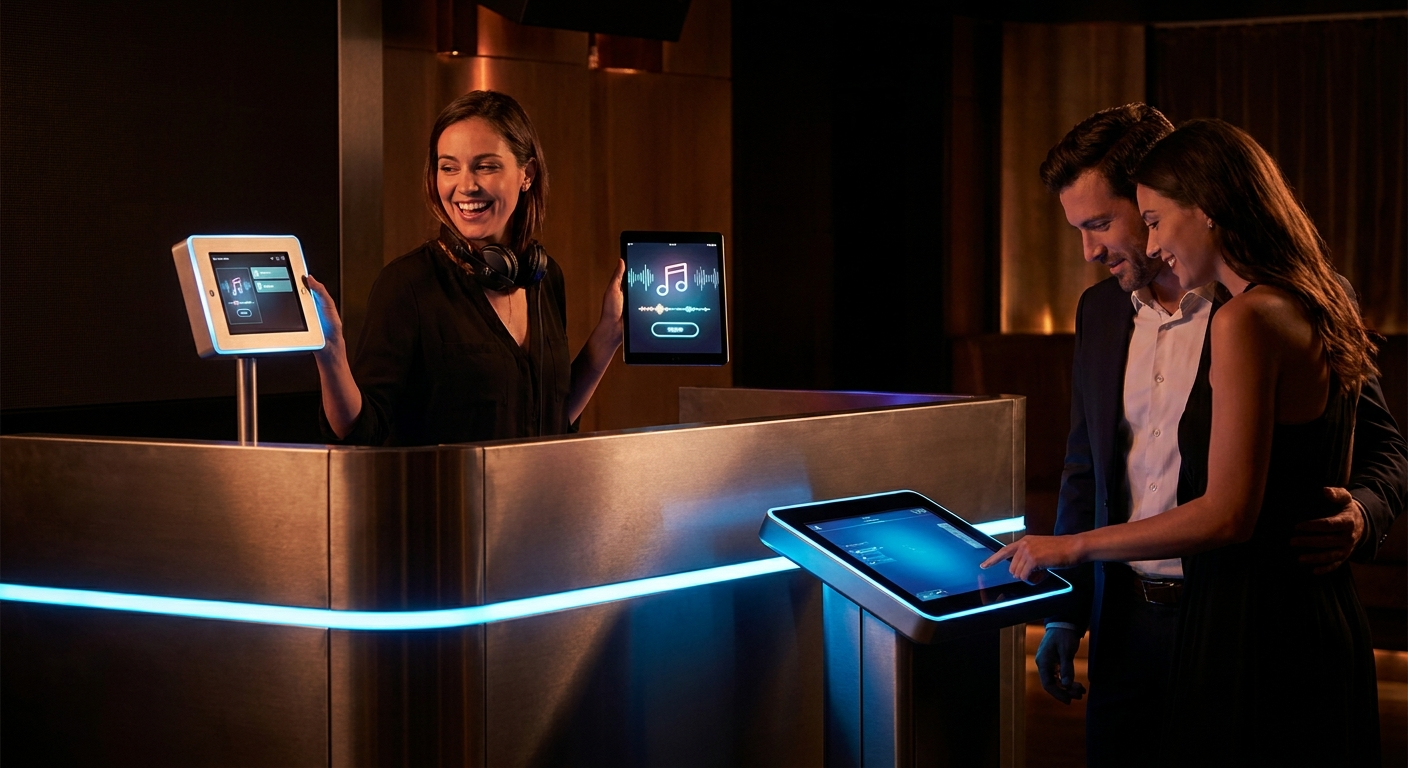
Every DJ has been there. You're in the middle of a set. The dance floor is packed. Then someone walks up and shouts a song name you've never heard. You smile, nod, and pray they walk away. But they don't. They stand there, waiting. Your flow is broken. The crowd feels the pause. And suddenly, the energy you worked so hard to build evaporates.
This is the nightmare of song request management — the single biggest pain point for DJs at weddings, parties, and corporate events. Most DJs handle it the same way: they ignore requests, get frustrated, or scribble song names on napkins. It's messy, chaotic, and unprofessional.
But there's a better way. A system that turns song requests from a distraction into your secret weapon. In this guide, you'll learn the surprising song request system that 90% of DJs ignore — and how it can transform your gigs into legendary parties.
🎯 Key Takeaways
- Why embracing song requests makes you a better DJ — not a pushover
- The simple digital system that eliminates paper scraps and awkward encounters
- How to let guests submit requests via QR codes without interrupting your set
- The exact formula for vetting requests to keep the dance floor packed
- How to use request data to read the room and predict the next hit
Why Most DJs Get Song Request Management Wrong
Think about the last time a guest approached you with a request. What did you do? If you're like most DJs, you probably felt annoyed. You thought, "This person is trying to take over my set." And you're not alone.
According to a survey by DJ TechTools, over 70% of DJs report that unsolicited requests are their biggest source of stress during live events. The common response? Ignore them, deflect them, or play them grudgingly.
But here's the truth: that guest isn't your enemy. They're your secret weapon. Their request is a gift — a real-time signal about what the crowd actually wants to hear. The problem isn't the request itself. It's how you manage it.
Most DJs have no system for song request management. They rely on memory, sticky notes, or awkward verbal exchanges. This leads to:
- Lost requests — You forget the song name within seconds
- Broken flow — Stopping to talk kills the energy
- Unhappy guests — They feel ignored or dismissed
- Inconsistent sets — You play random songs without context
💡 Pro Tip: Stop seeing requests as interruptions. Start seeing them as crowd intelligence. The person asking for "Sweet Caroline" is telling you exactly what the room wants next. Listen to them — just do it on your terms.
The Surprising System: Digital Song Request Management
Here's the system 90% of DJs ignore: digital song request management. Instead of letting guests shout at you, you give them a simple, non-disruptive way to submit requests — usually through a QR code on a coaster, table tent, or your gear.
This is not new technology. Platforms like PartyMusicPlaylist have offered this for years. Yet most DJs still don't use it. Why? Because change is hard. But the DJs who do use it report higher gig satisfaction, bigger tips, and more repeat bookings.
Here's how it works in practice:
- Set up a digital request board — Create a free playlist on PartyMusicPlaylist that guests can access via a unique link or QR code.
- Print QR codes — Place them on tables, the bar, or your DJ booth. Make it obvious but classy.
- Guests submit requests — They type the song and artist on their phone. No shouting. No interrupting.
- You vet and approve — You see all requests in real-time on your phone or laptop. You decide what fits the vibe.
- Play the hits — When a request works, you queue it. The guest sees their song appear on the playlist. They feel heard.
⚠️ Heads Up: Don't just play every request blindly. You're the DJ for a reason. Vet each song for tempo, genre, and energy level. A request for a slow ballad during peak dance time might not work — and it's your job to know that.
Why Digital Requests Beat Paper Every Time
Let's be real. Paper request slips have been around since the disco era. They're cheap and simple. But they're also a nightmare. They get lost, smudged, or thrown away. You can't sort them by genre or energy level. And you have no way to track which requests are most popular.
Digital song request management solves all of that. Here's what you gain:
- Real-time visibility — Every request shows up instantly on your device
- Sort and filter — Group by genre, tempo, or popularity
- Crowd analytics — See what songs are requested most often
- No lost requests — Everything is stored digitally
- Guest engagement — People love seeing their name next to a song they requested
Plus, digital systems let you approve or deny requests without awkwardness. If a song doesn't fit, you can simply ignore it. The guest never knows. No hurt feelings. No confrontation.
Here's a real-world example. At a wedding I DJ'd last year, the bride's uncle requested "Baby Got Back" during the dinner hour. Through the digital system, I saw it and simply didn't approve it. No awkward conversation. Later, during the dance set, I played it. The uncle was thrilled. He never knew I delayed it intentionally.
"The best tool for managing requests is one that removes the human element from the initial interaction. Let the software say 'no' for you." — Veteran wedding DJ
Building Your Request-Friendly Setlist
Knowing how to manage requests is one thing. Knowing what to do with them is another. The most successful DJs use requests to complement their setlist, not replace it. Here's a framework for blending requests into your flow.
Start with a core setlist of 20-30 songs you know will work. These are your floor-fillers, your safety nets, your go-tos. Then, use requests to add variety and surprise. Think of requests as seasoning — a little goes a long way.
Here are some essential songs that consistently get requested — and always work:
- "Uptown Funk" by Mark Ronson ft. Bruno Mars — Instant dance floor ignition
- "Don't Stop Believin'" by Journey — The ultimate sing-along anthem
- "Shut Up and Dance" by Walk the Moon — High-energy crowd-pleaser
- "I Wanna Dance With Somebody" by Whitney Houston — Timeless and infectious
- "September" by Earth, Wind & Fire — Pure joy in song form
Can't-Miss Request Tracks
- "Mr. Brightside" by The Killers — A crowd karaoke moment that never fails
- "Yeah!" by Usher ft. Lil Jon & Ludacris — Peak 2000s party energy
- "Bohemian Rhapsody" by Queen — The ultimate group sing-along
💡 Pro Tip: Keep a rejection list of songs you'll never play — "Free Bird" at a wedding, "Barbie Girl" at a corporate event, etc. When a request matches your rejection list, don't even think about it. Just move on.
How to Vet Requests Like a Pro
Not all requests are created equal. Some will save your set. Others will kill it. The art of song request management lies in knowing the difference. Use this simple 3-step vetting process before approving any request.
Step 1: Check the Energy Level
Every song has an energy level — low, medium, high, or peak. If the dance floor is packed with high-energy bangers, don't suddenly drop a slow ballad. Match the energy. If you need to transition down, do it gradually over two or three songs.
Step 2: Check the Genre Fit
If you're playing 80s pop and someone requests heavy metal, it's probably not a fit. But sometimes a genre shift works if you transition smoothly. For example, you can go from "Billie Jean" to "Blinding Lights" because both have a similar BPM and groove.
Step 3: Check the Crowd Mood
This is the most important step. Watch the room. Are people dancing? Are they mingling? Are they eating? A request for "Wobble" during dinner is a disaster. But during the last hour of the reception, it's gold. Read the room, not just the request list.
"I only approve requests that fit the current energy of the room. If the crowd is bouncing, I'm not playing a slow song just because one person asked. I'm the DJ, not a jukebox." — Professional mobile DJ
Songs That Always Work (By Moment)
Knowing what to play when is half the battle. Here are curated song lists for different moments of an event. Use these as a foundation, then layer in requests that fit.
Opening / Cocktail Hour
- "Sunday Morning" by Maroon 5 — Smooth and relaxed
- "Put Your Records On" by Corinne Bailey Rae — Warm and inviting
- "Lovely Day" by Bill Withers — Timeless feel-good vibes
- "Banana Pancakes" by Jack Johnson — Laid-back acoustic
- "Here Comes the Sun" by The Beatles — Pure optimism
Dinner Hour
- "Can't Help Falling in Love" by Elvis Presley — Romantic and classic
- "At Last" by Etta James — The ultimate love song
- "What a Wonderful World" by Louis Armstrong — Timeless elegance
- "Your Song" by Elton John — Heartfelt and gentle
- "Unchained Melody" by The Righteous Brothers — Emotional and powerful
Peak Dance Party
- "Get Lucky" by Daft Punk ft. Pharrell Williams — Modern disco perfection
- "Dancing Queen" by ABBA — Never fails
- "24K Magic" by Bruno Mars — Funk and swagger
- "Party Rock Anthem" by LMFAO — Early 2010s energy
- "I Gotta Feeling" by Black Eyed Peas — Anthemic and euphoric
⚠️ Heads Up: Avoid playing two songs with the same BPM back-to-back. It creates a monotonous energy. Mix up tempos to keep the crowd engaged. Use a tool like PartyMusicPlaylist to check BPMs before you queue a request.
Common Song Request Management Mistakes
Even experienced DJs make these mistakes. Avoid them at all costs.
- Playing every request — You're not a jukebox. You're a curator. Say no (digitally) when it doesn't fit.
- Ignoring all requests — This makes guests feel unheard. Use a digital system so they at least feel acknowledged.
- Stopping the music to read a request — Never stop the music. Glance at your device between tracks.
- Not having a backup plan — What if your digital system goes down? Have a paper list ready.
- Playing a request without vetting — Always check BPM, energy, and genre first.
"The worst mistake is playing a request that clears the floor. You lose the crowd's trust. Vet every song like your reputation depends on it — because it does." — Experienced club DJ
Pro Tips for Mastering Song Request Management
Here are advanced strategies from top DJs who use digital systems daily. These tips will elevate your game.
🔑 The Secret Sauce: Use request data to predict the next hit. If three different guests request the same song, play it next. That's your crowd telling you exactly what they want. Trust the data.
1. Create a "Request of the Night" segment. At the peak of the party, announce that you'll play the most requested song of the night. This gamifies the process and gets guests excited. People will check the request list just to see if their song is winning.
2. Use request trends to read the room. If you notice a sudden spike in 90s hip-hop requests, pivot your set in that direction. The crowd is telling you what era they're in the mood for. Listen to the collective voice, not just individual requests.
3. Keep a "never play" list. Every DJ has songs they refuse to play. Write them down. When a request matches, don't even consider it. Move on immediately. This saves mental energy and keeps your set focused.
4. Leverage guest names. When you play a requested song, announce the guest's name (with permission). "This one goes out to Sarah, who requested it!" People love the recognition. It builds rapport and encourages more requests.
5. Batch your requests. Instead of playing requests throughout the night, bundle them into 15-minute blocks. This creates a "request hour" that feels intentional and exciting. The rest of the time, you stick to your curated setlist.
💡 Pro Tip: Use PartyMusicPlaylist to create a live request board that guests can see in real-time. When they see their song appear on the board, they know you're paying attention. It's a small touch that makes a huge difference in guest satisfaction.
How to Set Up Your Digital Request System (In 5 Minutes)
Ready to implement this system? Here's a step-by-step guide to get started tonight.
- Go to PartyMusicPlaylist.com and create a free account.
- Create a new playlist for your event. Name it something like "Smith Wedding 2026 Requests."
- Enable guest submissions — This generates a unique link and QR code.
- Print the QR code on small cards or tabletents. Place them on tables, the bar, and your booth.
- Open the request dashboard on your phone or laptop during the gig. Approve or reject requests as they come in.
That's it. You now have a professional song request management system that 90% of DJs don't use. You'll stand out. You'll get better tips. And you'll never lose another request again.
Frequently Asked Questions
PartyMusicPlaylist Team
Helping you create the perfect soundtrack for life's most memorable moments. Expert tips on event music planning, DJ coordination, and playlist curation.
Learn MoreReady to Plan Your Event Music?
Create the perfect playlist for your special event. Search songs, organize your timeline, and share with your DJ.
Get Started FreeRelated Articles
Continue reading