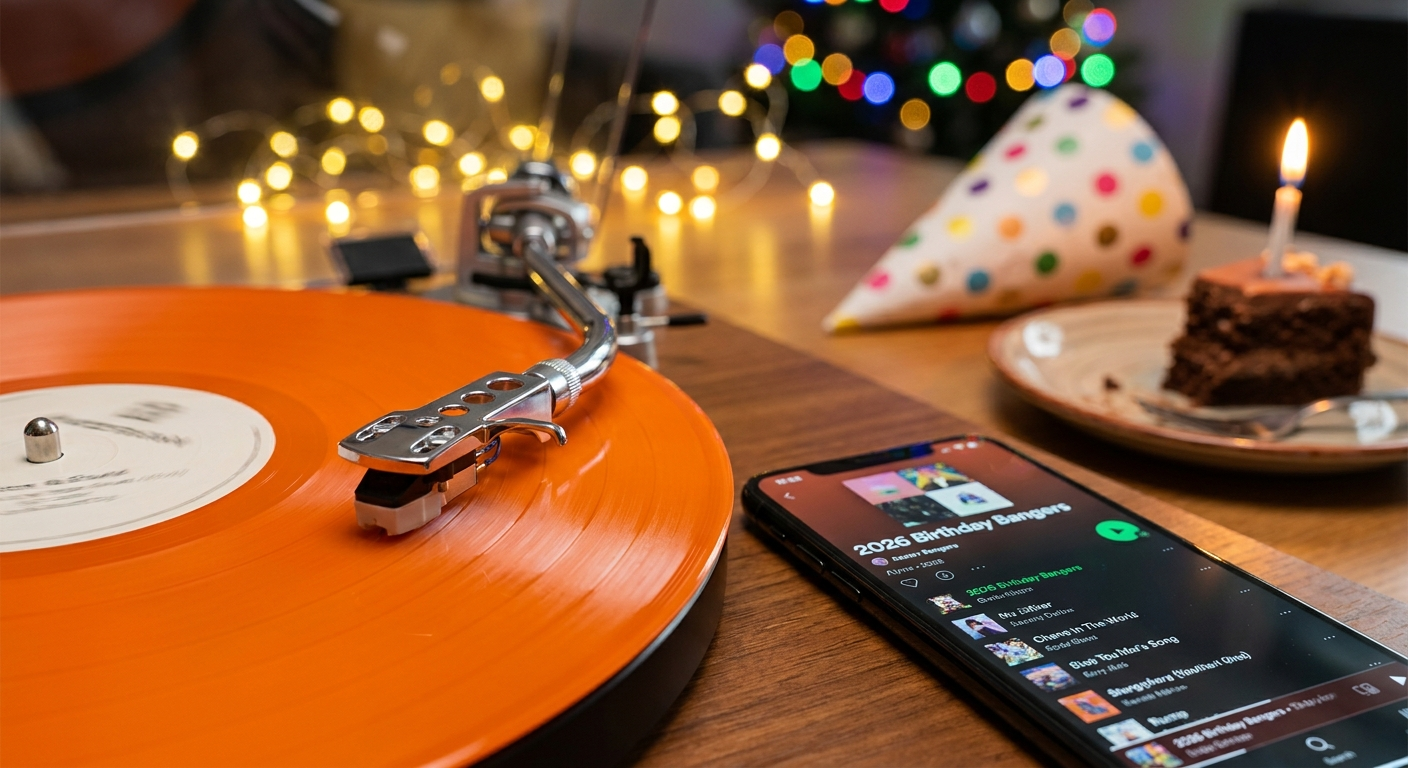
Imagine this: It's 6 PM on New Year's Eve 2026. Your guests are arriving in an hour. You open your carefully curated party playlist on Spotify — and half the songs are grayed out. Licenses expired. Tracks removed. Your entire vibe is gone.
That's the nightmare a solid playlist backup plan prevents. Whether you're DJing a birthday bash, a wedding reception, or a backyard BBQ, your music selection is the backbone of the evening. Lose it, and you lose control of the room.
In this guide, you'll learn exactly how to create a bulletproof backup strategy for your 2026 party playlists. We'll cover everything from local file copies to streaming service redundancy. You'll get step-by-step instructions, real song examples for every moment, and the expert tips that professional DJs use to never miss a beat.
🎯 Key Takeaways
- A playlist backup plan prevents total music loss from streaming service changes or hardware failure
- You need at least three copies of your playlist: local, cloud, and a secondary streaming service
- Export your playlist data (song titles, artists, links) in a portable format like CSV or plain text
- Download MP3 files for critical tracks that might disappear from streaming catalogs
- Use PartyMusicPlaylist.com to centralize guest song requests and create backup-ready playlists automatically
Why Your 2026 Playlist Needs a Backup Plan
Music streaming services are convenient, but they're not permanent. In 2025 alone, major platforms removed thousands of tracks due to licensing disputes, label changes, and artist removals. Your carefully built playlist can shrink by 10-20% without you noticing — until you hit play.
Hard drives fail. SSDs have a limited lifespan. USB drives get lost or corrupted. If your only copy of a playlist lives on one device, you're gambling with your event's success.
Think about it: You spend hours curating the perfect mix of high-energy anthems, slow dance romantics, and singalong classics. That effort deserves protection. A backup plan isn't paranoid — it's professional.
💡 Pro Tip: Set a calendar reminder for the first of every month to check your playlists for grayed-out tracks. Catch disappearances early before they affect your event.
Beyond hardware and licensing, there's human error. You might accidentally delete a playlist, share the wrong version, or overwrite your master copy with an edited draft. A backup gives you a safety net for all these scenarios.
The Three-Layer Backup Strategy for Party Playlists
Professional DJs use a rule called 3-2-1 backup. Three copies of your data, on two different media types, with one copy offsite. For party playlists, we adapt this to:
Layer 1: The Primary Streaming Playlist
This is your main working playlist on your preferred platform — Spotify, Apple Music, Amazon Music, or YouTube Music. It's where you do all your editing, adding, and arranging.
- Keep it organized with clear naming (e.g., "New Year's Eve 2026 v3")
- Add songs by genre or energy level for easy mixing
- Update it weekly as new hits drop and old favorites get stale
Layer 2: The Exported Song List
This is a portable text file or CSV containing every song title, artist, and ideally a link to the track. You store this on your computer, phone, and cloud storage.
Why? If your streaming service shuts down or you switch platforms, you don't lose the song names. You can rebuild the playlist anywhere.
Layer 3: The Local MP3 Library (For Critical Tracks)
For the 20-30 songs that absolutely must play at your event — think first dance songs, signature entrance tracks, or your crowd's ultimate singalong — download actual MP3 files.
Store these on your phone, a USB drive, and in a cloud folder. This way, even if the internet goes down or your streaming app crashes, you've got those essential moments covered.
🔒 Pro Backup Strategy: Use PartyMusicPlaylist.com to create your master playlist. It automatically exports to multiple formats and keeps a cloud backup of your song list, including guest requests. You can even share a "backup link" with a co-host or DJ so someone else has a copy.
How to Export Your Playlist Data (Step-by-Step)
Exporting your playlist is the most critical step in your playlist backup plan. Here's how to do it on the three most popular platforms:
Export from Spotify
- Open your playlist in the Spotify desktop app
- Click the three-dot menu next to the playlist name
- Select "Copy link to playlist"
- Paste that link into a text document (you can also use a third-party tool like "Exportify" for CSV files)
- Save the document as "MyPlaylist_Backup_2026.txt"
Export from Apple Music
- Open the Music app on your Mac
- Select your playlist from the sidebar
- Go to File > Library > Export Playlist
- Choose "Plain Text (.txt)" or "XML" format
- Save it to your desktop and upload to cloud storage
Export from YouTube Music
- Go to music.youtube.com and open your playlist
- Scroll to the bottom of the page (the URL contains the playlist ID)
- Copy the entire URL
- Use a free online tool like "TuneMyMusic" to convert your playlist to a CSV or text file
- Store that file in Google Drive, Dropbox, or iCloud
⚠️ Heads Up: Some third-party export tools require you to log in with your streaming account. Only use reputable services with good privacy policies. Never share your login credentials.
Once you have your text file, store it in at least two places: your computer's hard drive and a cloud service (Google Drive, Dropbox, iCloud). If you're really serious, email yourself a copy too.
Must-Have Songs for Your 2026 Backup Playlist
Your backup playlist should include timeless crowd-pleasers that won't disappear from streaming services. These are the songs that work at almost any party, from a birthday to a wedding to a casual get-together.
- "Uptown Funk" by Mark Ronson ft. Bruno Mars — Instant energy boost, works for all ages
- "Happy" by Pharrell Williams — The ultimate feel-good anthem
- "Blinding Lights" by The Weeknd — Modern classic with retro synth vibes
- "Shut Up and Dance" by Walk the Moon — Guaranteed to get people on their feet
- "Don't Stop Believin'" by Journey — The singalong king
🔥 Can't-Miss Tracks for Your Backup
- "I Wanna Dance with Somebody" by Whitney Houston — Pure joy in three minutes
- "September" by Earth, Wind & Fire — Timeless groove that crosses generations
- "Party in the U.S.A." by Miley Cyrus — Crowd singalong guaranteed
- "Mr. Brightside" by The Killers — The ultimate closing anthem
- "Lovefool" by The Cardigans — Unexpected but always works
Romantic and Slow Dance Songs for Backup
For weddings, anniversaries, or romantic moments, you need tracks that create atmosphere. These songs are often the most personal and emotionally important — so they're the ones you absolutely cannot lose.
- "At Last" by Etta James — The quintessential first dance song
- "Thinking Out Loud" by Ed Sheeran — Modern wedding staple
- "Unchained Melody" by The Righteous Brothers — Classic romance
- "Can't Help Falling in Love" by Elvis Presley — Timeless and tender
- "All of Me" by John Legend — Emotional and heartfelt
💡 Pro Tip: For slow dances, download MP3 versions of these songs. Streaming services occasionally remove older tracks during catalog cleanups, and losing a first dance song is a disaster you can't fix mid-event.
High-Energy Party Anthems for the Dance Floor
When the dance floor is packed, you need songs that keep the momentum going. These are the tracks that make people forget they're tired and stay until the last song.
- "Levitating" by Dua Lipa — Modern disco-pop perfection
- "Get Lucky" by Daft Punk ft. Pharrell Williams — Unstoppable groove
- "Dancing Queen" by ABBA — Never fails, ever
- "Billie Jean" by Michael Jackson — The king of dance floors
- "I Gotta Feeling" by The Black Eyed Peas — Peak party energy
- "Watermelon Sugar" by Harry Styles — Summer vibe, year-round fun
- "Yeah!" by Usher ft. Lil Jon & Ludacris — 2000s club classic
These songs are safe bets for your backup because they've proven their staying power over years or decades. They're less likely to be removed from streaming catalogs due to licensing issues — but you should still keep local copies of the top 5.
How to Create a Backup USB Drive for Your Party Playlist
A USB drive is your physical safety net. It works without internet, without apps, and without login credentials. Here's how to build one:
- Get a reliable USB 3.0 drive with at least 32GB capacity (64GB is better)
- Format it as exFAT so it works on both Mac and Windows computers
- Download your critical songs as MP3 files (320kbps quality is best)
- Create folders by genre or mood (e.g., "High Energy", "Slow Dances", "Singalongs")
- Copy your exported playlist text file into the root directory
- Label the drive physically with a sticker or marker ("2026 Party Backup v1")
- Store it in your go-bag or car — somewhere you'll remember to grab before the event
⚠️ Heads Up: Don't rely on a single USB drive. They can fail too. Make two identical backups on separate drives and keep one at home, one in your car.
For DJs using controllers or mixers, a USB drive with MP3 files is often the most reliable playback method. No buffering, no ads, no dropped connections.
Using Cloud Storage for Your Playlist Backup
Cloud storage protects against physical disasters — fire, theft, flood, or simply leaving your USB drive at home. Here's how to set it up:
- Choose one primary cloud service (Google Drive, Dropbox, iCloud, OneDrive)
- Create a folder called "Party Playlist Backups 2026"
- Upload your exported playlist text file (CSV or plain text)
- Upload MP3 files for your 20-30 most critical songs
- Share the folder with a co-host or partner so they have access too
- Set up automatic backup on your computer (most cloud apps have this)
💡 Pro Tip: Use PartyMusicPlaylist.com to create your playlist. It automatically stores your song list in the cloud and gives you a shareable link. You can even embed a "song request" feature so guests add their picks — all backed up automatically.
For extra security, use two different cloud services. Google Drive for one copy, Dropbox for another. This protects you if one service goes down temporarily.
Common Mistakes in Playlist Backup Plans
Even experienced party planners make these errors. Avoid them to keep your playlist backup plan solid:
⚠️ Heads Up: Mistake #1 — Only backing up once. Your playlist changes as you add new songs and remove old ones. A backup from three months ago is useless. Schedule monthly updates.
⚠️ Heads Up: Mistake #2 — Forgetting to backup guest song requests. If you use a collaborative playlist feature, those guest-added songs are easy to lose. Export the full list before the event.
⚠️ Heads Up: Mistake #3 — Using only one file format. A text file is portable but doesn't include metadata. A CSV file is better. A streaming service export is best — but combine all three for maximum safety.
⚠️ Heads Up: Mistake #4 — Ignoring offline access. Cloud storage only works with internet. Always have a local copy on your phone or laptop for venues with spotty connections.
Expert Tips for a Bulletproof 2026 Playlist Backup
These strategies come from professional DJs and event planners who can't afford to lose a single song:
- Create a "master playlist" on two streaming services — Spotify and Apple Music, for example. If one loses a track, you have the other.
- Use a playlist management tool like PartyMusicPlaylist.com to centralize your song list, guest requests, and backup exports in one place.
- Print a physical copy of your playlist with song titles and artists. If all technology fails, you can still shout requests to a live DJ or play songs from a phone.
- Test your backup at home before the event. Try playing songs from your USB drive, your cloud folder, and your secondary streaming service. Make sure everything works.
- Have a "plan Z" — a pre-made playlist of 50 universal hits that you know by heart. Even if all backups fail, you can sing along or play them from memory.
🚀 Advanced Tip: For critical events like weddings or corporate parties, hire a backup DJ who has their own equipment and music library. Your playlist backup plan should include a professional who can take over if your setup fails completely.
How to Recover Your Playlist After a Disaster
Even with the best playlist backup plan, things can go wrong. Here's your recovery playbook:
- Stay calm — panic makes bad decisions. You have backups.
- Check your USB drive first — it's the fastest to access
- If the USB drive fails, open your cloud storage on your phone
- If cloud storage is offline, use your secondary streaming service playlist
- If all digital fails, pull up your printed playlist and play songs from a phone's music library or YouTube
- Use the guest song request list from PartyMusicPlaylist.com as a fallback — those are songs your guests already know and want to hear
💡 Pro Tip: Practice this recovery sequence at home once. Knowing exactly what to do when disaster strikes saves you 10 minutes of panic at the event.
Frequently Asked Questions
PartyMusicPlaylist Team
Helping you create the perfect soundtrack for life's most memorable moments. Expert tips on event music planning, DJ coordination, and playlist curation.
Learn MoreReady to Plan Your Event Music?
Create the perfect playlist for your special event. Search songs, organize your timeline, and share with your DJ.
Get Started FreeRelated Articles
Continue reading