Your Event Music Planning Starts Here
Planning music for an event can feel overwhelming. You have dozens of playlists, hundreds of songs, and thousands of opinions from guests. Where do you even begin?
The truth is simple: great event music doesn't happen by accident. It requires a clear plan, a reliable system, and a few smart strategies. Without one, you risk awkward silences, dance floor flops, and a room full of bored guests.
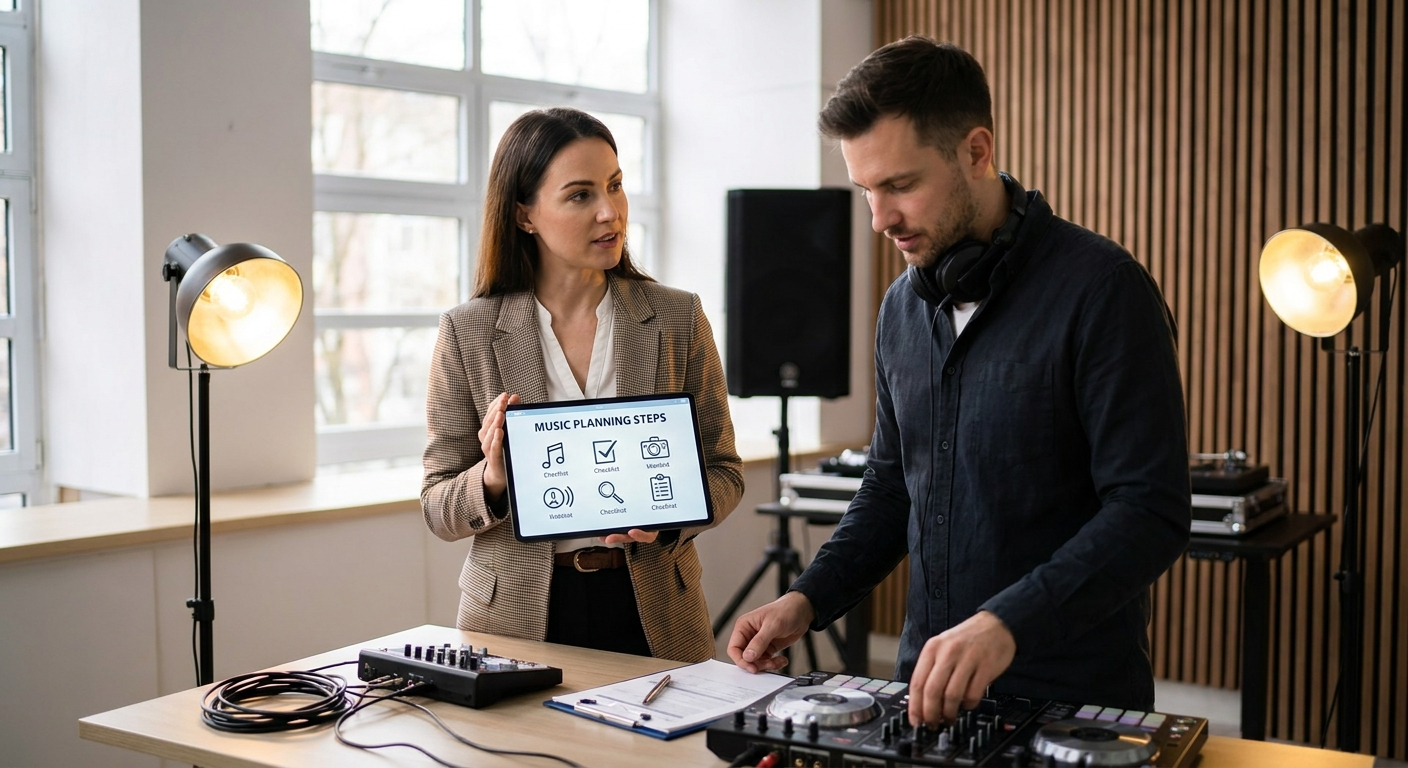
This guide is your complete event music planning checklist for 2026. We'll walk you through seven essential steps — from defining your event's vibe to testing your tech — so you can create a seamless, high-energy soundtrack that keeps everyone moving.
By the end, you'll have a proven framework to build a playlist that works, every single time. Let's jump in.
🎯 Key Takeaways
- Define your event's energy level and audience before choosing a single song
- Build a playlist with at least 15-20 songs per hour of event time
- Use a mix of current hits, timeless classics, and crowd-favorite anthems
- Test every song for explicit lyrics and audio quality before the big day
- Always have a backup plan — offline files, extra speakers, and a secondary device
Step 1: Define Your Event's Vibe and Audience
Before you open a music app or browse a single song, you need to understand who you're playing for and what mood you want to create. This is the foundation of your entire event music planning checklist.
Think about these three factors:
- Event type: Is it a wedding reception, corporate gala, birthday party, or casual backyard barbecue?
- Age range: Are your guests mostly Gen Z (born 1997-2012), Millennials (1981-1996), Gen X (1965-1980), or Boomers (1946-1964)?
- Energy goal: Do you want a chill background vibe, a high-energy dance party, or something in between?
Let's break these down with real examples.
Event Type Matters More Than You Think
A wedding reception demands a different musical flow than a corporate networking mixer. For a wedding, you'll need moments for the first dance, parent dances, cake cutting, and the grand exit. A corporate event might require more background music during dinner and networking, with a high-energy segment later.
💡 Pro Tip: Use PartyMusicPlaylist.com to create separate playlists for different event segments. This lets you switch vibes seamlessly without fumbling through a single long list.
Know Your Audience's Musical Preferences
If your guest list is mostly Millennials and Gen X, you'll want 90s and 2000s throwbacks mixed with current hits. For a younger crowd, focus on today's pop, hip-hop, and electronic dance music (EDM). For a mixed-age event, aim for a 50/50 split between classics and current songs.
"The best DJs I've seen read the room before they press play. They watch body language, gauge energy levels, and adjust on the fly. That's the difference between a good playlist and a great one." — Marcus T., Event DJ since 2010
Step 2: Create a Realistic Timeline for Your Music
Once you know your audience and vibe, map out the musical timeline for your entire event. This is where your event music planning checklist becomes a practical tool.
Here's a standard timeline template for a 4-hour event:
- Pre-Event (30 minutes before guests arrive): Low-energy background music (jazz, lo-fi, or instrumental). Volume at 30-40%.
- Arrival & Mingling (first 45 minutes): Upbeat but not overwhelming. Think indie pop, chill R&B, or light funk. Volume at 50-60%.
- Dinner or Main Activity (next 60-90 minutes): Warm, inviting tracks. Volume drops to 40-50% to allow conversation.
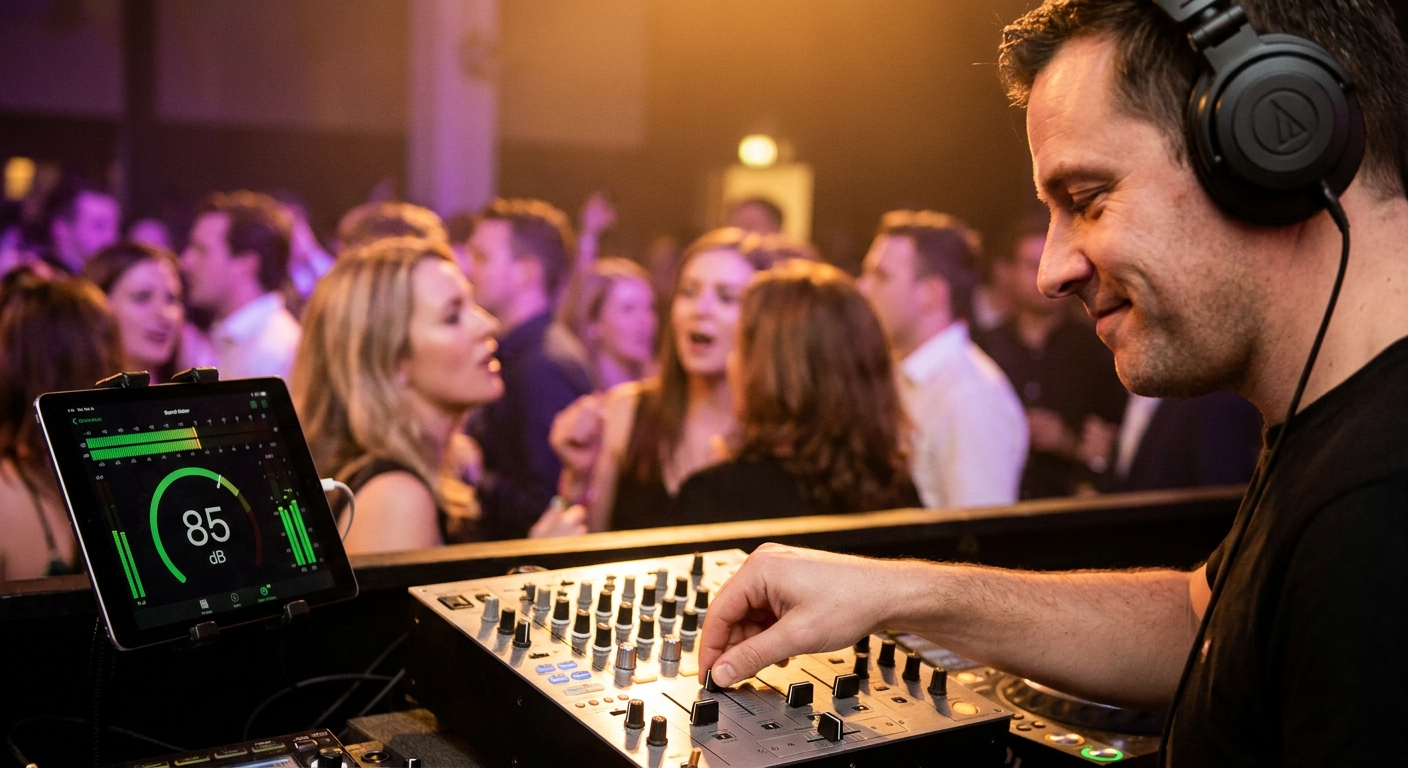
- Peak Energy (next 60-90 minutes): High-tempo dance music. Volume at 70-80%. This is the main event.
- Wind-Down (last 30 minutes): Gradually lower energy. End with a memorable closing song.
⚠️ Heads Up: Don't overplan. Leave 10-15% of your playlist open for spontaneous requests or energy shifts. Rigid playlists kill the vibe.
Step 3: Build Your Core Song Collection
Now comes the fun part — picking the actual songs. But don't just throw random tracks together. Use a strategic approach to build a cohesive collection.
Start with these three categories:
Category 1: Crowd-Pleasing Anthems (40% of your playlist)
These are the songs everyone knows and loves. They'll fill the dance floor regardless of age or taste.
- "Uptown Funk" by Mark Ronson ft. Bruno Mars — Instant energy booster, works for any age group
- "Happy" by Pharrell Williams — Upbeat, positive, and universally loved
- "I Gotta Feeling" by The Black Eyed Peas — The ultimate party anthem
- "Shake It Off" by Taylor Swift — Pop perfection with sing-along appeal
- "Dance Monkey" by Tones and I — Modern hit with massive dance floor impact
Category 2: Genre-Specific Favorites (35% of your playlist)
Tailor these to your audience. For a 30-something crowd, include 2000s pop-punk, R&B, and hip-hop. For an older crowd, add classic rock, Motown, or disco.
- "Mr. Brightside" by The Killers — Indie rock anthem that gets everyone singing
- "Crazy In Love" by Beyoncé ft. Jay-Z — R&B/pop crossover with undeniable energy
- "September" by Earth, Wind & Fire — Disco classic that transcends generations
- "Get Lucky" by Daft Punk ft. Pharrell Williams — Modern funk at its finest
- "Bad Guy" by Billie Eilish — Dark pop that works for Gen Z audiences
Category 3: Wildcards & Surprises (25% of your playlist)
These are deep cuts, throwbacks, or unexpected bangers that show off your music knowledge. Use them sparingly to keep things fresh.
- "Feel It Still" by Portugal. The Man — Indie hit with a retro vibe
- "Electric Feel" by MGMT — Psychedelic pop that works surprisingly well at parties
- "One More Time" by Daft Punk — French house classic for peak energy moments
- "Lost in Japan" by Shawn Mendes — Smooth pop with a tropical feel
- "Tongue Tied" by Grouplove — Indie pop anthem with irresistible energy
Editor's Top Picks
- "Uptown Funk" by Mark Ronson ft. Bruno Mars — The single most reliable party starter of the last decade
- "I Wanna Dance with Somebody" by Whitney Houston — Timeless, joyful, and impossible to resist
- "Levitating" by Dua Lipa — Modern pop perfection with dance floor energy
- "Don't Stop Believin'" by Journey — The ultimate sing-along anthem for any age
- "Yeah!" by Usher ft. Lil Jon & Ludacris — 2000s hip-hop that still fills floors today
Step 4: Organize Your Playlist by Energy Flow
A great event music planning checklist isn't just about picking songs — it's about sequencing them for emotional impact. Music has a natural energy curve. Start too high and you'll burn out your crowd. Start too low and you'll lose them.
Follow the "Mountain" structure:
- Base Camp (low energy): 30-45 minutes of mellow, welcoming tracks
- First Ascent (medium-low): Gradually increase tempo and energy
- Summit (high energy): Peak dance floor moments with your best bangers
- Plateau (maintain energy): Keep the momentum with consistent high-energy songs
- Descent (gradual cooldown): Slowly lower energy toward the end
💡 Pro Tip: Use PartyMusicPlaylist.com's templates to pre-build these energy segments. You can drag and drop songs into different sections, making it easy to adjust flow on the fly.
"I always sequence my playlists by BPM (beats per minute). Start around 90-100 BPM for arrival, climb to 120-130 BPM for peak dancing, then drop back to 100-110 BPM for the wind-down. It's a science." — Jessica R., Professional Event DJ
Step 5: Test Every Song for Explicit Content and Audio Quality
This step is non-negotiable in any professional event music planning checklist. Nothing kills a vibe faster than a song with explicit lyrics playing at a family-friendly event or a track that sounds like it was recorded in a tin can.
What to Check
- Explicit lyrics: Scan every song for curse words, sexual content, or offensive language. Use clean versions when in doubt.
- Audio quality: Make sure every file is at least 256 kbps (kilobits per second). Lower quality sounds muddy on good speakers.
- Song length: Avoid tracks longer than 5 minutes unless they're crowd favorites. Long songs can kill momentum.
- Volume consistency: Check that all songs play at similar volume levels. Sudden volume drops or spikes are jarring.
⚠️ Heads Up: Streaming services can change song versions or remove tracks without warning. Always download your playlist to a device or USB drive as a backup.
How to Test Efficiently
Create a test playlist with 10-15 songs from different energy levels. Play them through your event speakers at the venue, if possible. Listen for:
- Bass response — does it sound muddy or clear?
- Vocal clarity — can you hear lyrics over the beat?
- Overall loudness — do some songs sound way quieter than others?
Adjust your playlist accordingly. Remove tracks that don't meet your standards.
Step 6: Prepare Your Technology and Backup Plans
Even the best event music planning checklist fails if your tech decides to act up. You need a reliable setup and a foolproof backup plan.
Essential Equipment Checklist
- Primary device: Laptop, tablet, or phone with your full playlist loaded
- Secondary device: A backup device with the same playlist (or at least the top 50 songs)
- Speakers: At least two speakers for stereo sound. Rent or borrow if needed.
- Cables: Aux, USB-C, Lightning, and HDMI cables for all possible connections
- Power strips: Bring extra extension cords and power strips
- Portable charger: For phones and tablets
📝 Note: If you're using a streaming service, enable offline mode and download your entire playlist before the event. Wi-Fi at venues can be unreliable.
What to Do If Things Go Wrong
Here's a quick troubleshooting guide:
- No sound from speakers: Check all cable connections. Try a different aux cable. Restart the speaker.
- Playlist won't load: Switch to your secondary device immediately. Fix the primary device later.
- Song skips or stutters: Close other apps. Restart the music app. If it persists, skip the song.
- Power outage: Use your portable charger or generator. Have a battery-powered backup speaker ready.
"I've seen DJs lose their entire set because they didn't have a backup. One crashed laptop later, and the dance floor went silent. Always, always have a Plan B." — David K., Event Planner with 15 years experience
Step 7: Manage Guest Requests Like a Pro
Guest requests can make or break your event. Ignore them, and guests feel unheard. Accept every request, and your playlist becomes a chaotic mess. The key is strategic integration.
How to Handle Requests
- Set expectations early: Announce that you welcome requests but reserve the right to play music that fits the overall vibe.
- Create a request system: Use PartyMusicPlaylist.com to let guests submit requests through a simple link. This avoids the "DJ, play this!" shouting.
- Screen requests before playing: Scan for explicit content, tempo mismatches, and energy level.
- Play requests strategically: Slot them into appropriate energy windows. Don't interrupt a high-energy moment with a slow song.
💡 Pro Tip: Keep a "request queue" on your device separate from your main playlist. This lets you preview and organize guest picks without disrupting your flow.
What to Do With Bad Requests
Sometimes guests request songs that just don't fit. Here's how to handle it gracefully:
- Politely decline: "Great song, but it doesn't quite fit the vibe right now. I'll keep it in mind for later."
- Offer an alternative: "How about 'Shut Up and Dance' by Walk the Moon instead? It has a similar energy."
- Play a snippet: If you want to acknowledge the request without committing to the full song, play 30 seconds of it during a transition.
Common Event Music Planning Mistakes to Avoid
Even experienced planners make these errors. Here's what to watch out for in your event music planning checklist.
⚠️ Heads Up: Mistake #1 — Playing the same genre for too long. Your crowd will get bored. Mix in different tempos and styles every 3-4 songs.
⚠️ Heads Up: Mistake #2 — Starting with high-energy music. Build up gradually. A slow start creates anticipation and makes the peak moments more impactful.
⚠️ Heads Up: Mistake #3 — Ignoring the room's energy. If the dance floor is empty, change something. Don't stubbornly stick to your pre-planned playlist.
⚠️ Heads Up: Mistake #4 — Overloading with current hits. Today's top 40 will sound dated in 6 months. Balance them with timeless classics.
⚠️ Heads Up: Mistake #5 — Forgetting to test equipment. Always do a full sound check at least 2 hours before guests arrive.
Expert Tips for a Flawless Event Playlist
Here's the secret that separates good playlists from great ones: every song should serve a purpose. Whether it's setting the mood, filling the dance floor, or giving guests a breather, each track should advance your musical narrative.
Use these pro techniques to elevate your event music planning checklist:
- Crossfade transitions: Enable crossfade in your music app to smoothly blend songs. Aim for 5-8 second crossfades for dance music, 3-5 seconds for slower tracks.
- Energy mapping: Before the event, label each song with its energy level (1-10). This makes it easy to adjust on the fly.
- The 3-song rule: Play no more than 3 consecutive songs from the same genre or artist. Variety keeps ears engaged.
- Silence is your friend: Don't be afraid of 10-15 seconds of silence between songs. It builds anticipation and lets the crowd react.
- End on a high note: Your last song should be memorable. Save a crowd favorite for the finale.
How to Use PartyMusicPlaylist.com for Your Event
Now that you have your event music planning checklist, it's time to put it into action. PartyMusicPlaylist.com makes the entire process seamless.
Here's how you can use our platform to execute every step:
- Step 1: Create a free account and name your event playlist
- Step 2: Use our pre-built templates for weddings, corporate events, birthdays, and more
- Step 3: Add songs from our curated library or import your own
- Step 4: Organize tracks by energy level using our drag-and-drop interface
- Step 5: Generate a shareable link for guest requests
- Step 6: Export your playlist for any DJ software or streaming service
- Step 7: Find local DJs through our network for live events
💡 Pro Tip: Use our analytics feature to see which songs guests are requesting most. This helps you prioritize crowd favorites during peak energy moments.
Frequently Asked Questions
PartyMusicPlaylist Team
Helping you create the perfect soundtrack for life's most memorable moments. Expert tips on event music planning, DJ coordination, and playlist curation.
Learn MoreReady to Plan Your Event Music?
Create the perfect playlist for your special event. Search songs, organize your timeline, and share with your DJ.
Get Started FreeRelated Articles
Continue reading