Planning an epic DJ set for 2026? Gone are the days of solo crate digging and hoping your music selection resonates with the crowd. Today, it's all about collaboration! The best DJ playlists are those that reflect the energy and desires of the audience. But how do you tap into that collective vibe? The answer: playlist collaboration tools. In this article, we'll explore three surprising and powerful tools that will revolutionize how you create your DJ sets, ensuring your 2026 performances are unforgettable.
🎯 Key Takeaways
- Discover how playlist collaboration tools can transform your DJ sets in 2026.
- Learn about innovative platforms that allow real-time input from your audience and fellow DJs.
- Master the art of crafting playlists that perfectly match the energy and preferences of any event.
- Explore specific song suggestions and strategies for creating unforgettable musical experiences.
- Understand common mistakes to avoid when using playlist collaboration tools and how to optimize your workflow.
Why Playlist Collaboration is Essential for DJs in 2026
In the ever-evolving world of DJing, staying ahead of the curve is crucial. While technical skills and musical knowledge remain fundamental, the ability to connect with your audience on a deeper level is what truly sets you apart. Playlist collaboration is the key to unlocking this connection.
Why is collaboration so important? Think about it: every crowd is unique. What works at a high-energy club might fall flat at a corporate event. By involving your audience and fellow DJs in the playlist creation process, you gain invaluable insights into their musical tastes and preferences. You can create a dynamic song list that resonates with everyone in the room.
Furthermore, collaboration prevents you from getting stuck in a rut. It exposes you to new music, genres, and perspectives, broadening your musical horizons and ensuring your sets remain fresh and exciting. Using playlist collaboration tools also saves time and effort. Instead of spending hours scouring music blogs and streaming services, you can leverage the collective knowledge of your network to curate the perfect soundtrack for any occasion.
Consider these benefits:
- Enhanced Audience Engagement: Create a playlist that truly reflects the crowd's desires.
- Discovery of New Music: Broaden your musical horizons with collaborative input.
- Time Savings: Reduce the time spent searching for the perfect tracks.
- Improved Set Quality: Ensure your sets are dynamic, diverse, and tailored to the event.
Tool #1: PartyMusicPlaylist - The Crowd-Sourced Groove Machine
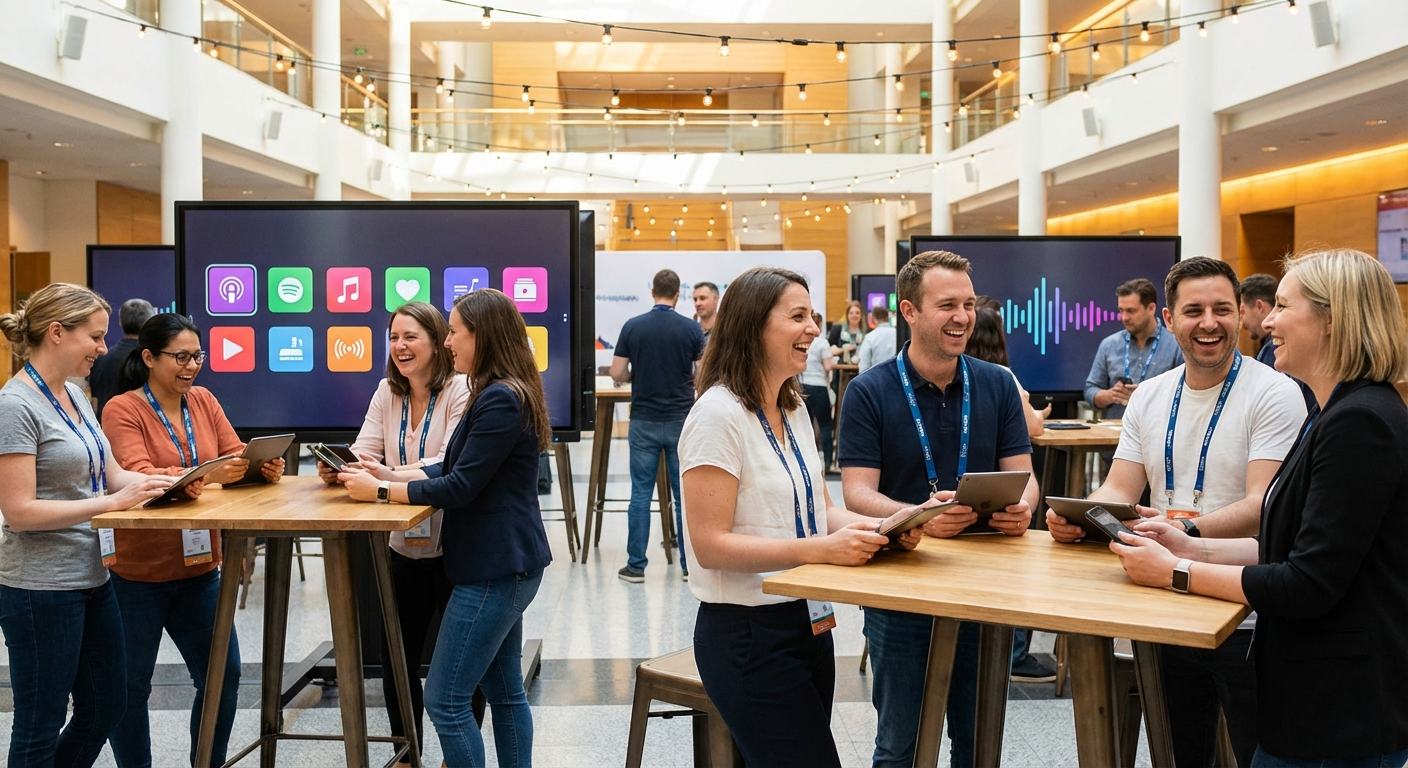
Tired of guessing what your audience wants to hear? PartyMusicPlaylist is a game-changer. It's a free online platform that lets you create collaborative playlists with ease. Imagine sending a link to your event attendees and allowing them to add their favorite songs directly to the playlist. That's the power of PartyMusicPlaylist.
Here's how it works:
- Create a Playlist: Sign up for free and create a new playlist for your event. Give it a catchy name and a brief description. Create Your Playlist here!
- Share the Link: Send the unique playlist link to your friends, colleagues, or event attendees.
- Collect Song Requests: Watch as the playlist fills up with song requests from your audience. You can then review, approve, or reject suggestions to maintain control over the final selection.
- Export to Your DJ Software: Once you're satisfied with the playlist, export it to your favorite DJ software (Serato, Traktor, etc.) and get ready to rock the party!
PartyMusicPlaylist also offers features like:
- Guest Song Requests: Allow guests to directly suggest songs for the playlist.
- DJ Export: Seamlessly transfer your collaborative playlist to your DJ software.
- Find Local DJs: Connect with other DJs in your area for even more collaboration opportunities.
Here are a few songs that always get requested on PartyMusicPlaylist:
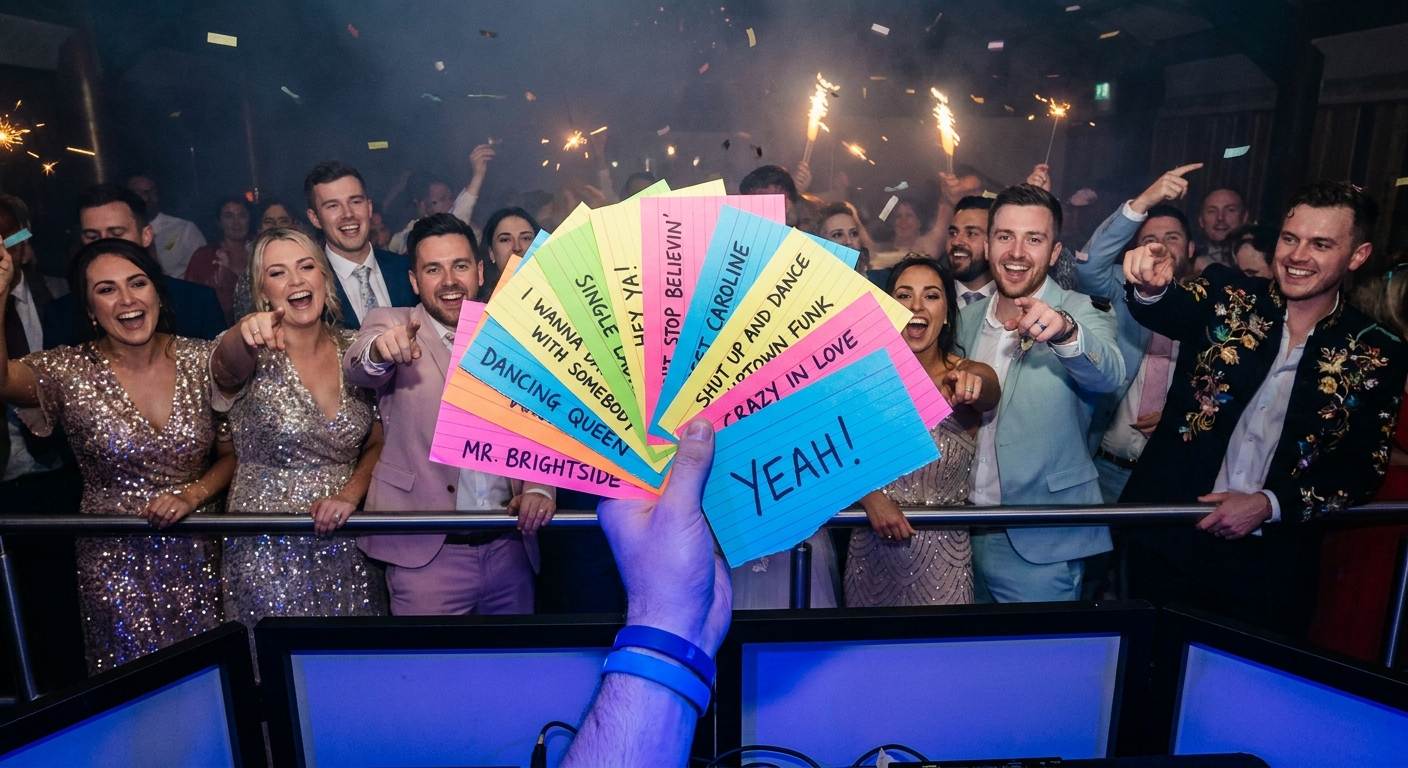
- "Mr. Brightside" by The Killers — An indie rock anthem that always gets the crowd singing along.
- "September" by Earth, Wind & Fire — A classic disco track that's impossible not to dance to.
- "Don't Stop Me Now" by Queen — An energetic and uplifting song that boosts the mood.
💡 Pro Tip: Encourage your audience to add their requests early. This gives you ample time to review the suggestions and incorporate them into your set seamlessly.
Tool #2: Discord - Beyond Gaming, A DJ's Secret Weapon
You might think of Discord as a platform for gamers, but it's also a powerful tool for playlist collaboration. Discord's robust server features and versatile bots make it ideal for creating a dedicated space where you, your fellow DJs, and your audience can brainstorm and curate the perfect playlist.
Here's how to leverage Discord for DJing:
- Create a Server: Set up a Discord server specifically for your DJing activities.
- Create Channels: Within your server, create separate channels for different purposes, such as:
- #song-suggestions: For audience members to submit song ideas.
- #dj-collaboration: For collaborating with other DJs on setlists and mixes.
- #event-planning: For discussing event details, themes, and target audience.
- Integrate Music Bots: Add music bots like Rythm or Groovy to allow users to play and share songs directly within the server.
- Gather Feedback: Use polls and surveys to gather feedback on song selections and overall playlist direction.
Discord's real-time chat and voice capabilities make it easy to discuss ideas, share feedback, and coordinate your efforts. You can even use Discord to host listening parties and get instant reactions to your song choices.
Here's a must-have track list to get people chatting:
Discord DJ Essentials
- "Levels" by Avicii — Guaranteed to blow up any Discord channel.
- "One Kiss" by Dua Lipa & Calvin Harris — Instant mood booster for any set.
- "Good as Hell" by Lizzo — Confidence anthem for any dance night.
- "Yeah!" by Usher ft. Lil Jon & Ludacris — Throwback that works every time.
💡 Pro Tip: Use Discord's role feature to assign different permissions to users. For example, you can give moderators the ability to approve or reject song suggestions.
Tool #3: Google Sheets - The Surprisingly Powerful Spreadsheet Solution
Don't underestimate the power of a good old Google Sheet! While it might not be as flashy as dedicated music apps, Google Sheets offers a surprisingly effective way to collaborate on playlists. Its real-time editing capabilities, combined with its flexibility and accessibility, make it a valuable tool for DJs.
Here's how to use Google Sheets for playlist collaboration:
- Create a Spreadsheet: Start a new Google Sheet and create columns for "Song Title," "Artist," "Genre," "Key," "BPM," and "Notes."
- Share the Sheet: Share the spreadsheet with your fellow DJs or audience members, granting them editing access.
- Collaborate in Real-Time: Everyone can add songs, suggest edits, and leave comments directly in the spreadsheet.
- Organize and Filter: Use Google Sheets' filtering and sorting features to organize the playlist by genre, BPM, or any other criteria.
The "Notes" column is particularly useful for adding comments about the song's energy, mood, or suitability for different parts of the set. You can also use conditional formatting to highlight songs based on specific criteria, such as genre or BPM.
Here are some all-time spreadsheet essentials:
- "Billie Jean" by Michael Jackson — The perfect transition out of any genre.
- "Bohemian Rhapsody" by Queen — Let the audience sing this one.
- "Like a Prayer" by Madonna — Keep the dance floor packed.
💡 Pro Tip: Use Google Sheets' version history feature to track changes and revert to previous versions if necessary. This is especially helpful when collaborating with multiple people.
Crafting the Perfect Collaborative Playlist: A Step-by-Step Guide
Now that you're familiar with the tools, let's dive into the process of crafting the perfect collaborative playlist. By following these steps, you can ensure that your playlists are not only collaborative but also effective and engaging.
- Define Your Audience: Before you start gathering song requests, take some time to understand your audience. What are their age range, musical tastes, and energy levels? The more you know about your audience, the better you can tailor your playlist to their preferences.
- Set Clear Guidelines: Establish clear guidelines for song submissions. For example, you might specify a genre, theme, or time period. This helps to ensure that the suggestions are relevant and consistent with your overall vision.
- Curate the Submissions: Once you've gathered a list of song requests, it's time to curate the submissions. Listen to each song carefully and consider how it fits into your overall set. Don't be afraid to reject songs that don't align with your vision or that are too similar to other tracks on the playlist.
- Structure Your Playlist: Once you've selected the songs, it's time to structure your playlist. Consider the energy levels, tempos, and genres of the songs. Start with a few mellow tracks to warm up the crowd, then gradually increase the energy with more upbeat songs. End with a few slower songs to wind things down.
- Test and Refine: Before your event, test your playlist to see how it flows. Pay attention to the transitions between songs and make sure the energy levels are consistent. If necessary, make adjustments to the order of the songs or swap out tracks that aren't working.
Song Selection Strategies That Always Work
Choosing the right songs is the heart of a great DJ set. Here are some strategies to guide your song selection process, ensuring your collaborative playlist is a hit.
- Start with the Classics: Include a few classic songs that everyone knows and loves. These tracks will get people on the dance floor and set the tone for the rest of the night.
- Incorporate Current Hits: Stay up-to-date with the latest music trends and incorporate a few current hits into your playlist. This will show your audience that you're on the cutting edge of music.
- Mix Genres: Don't be afraid to mix genres. A well-curated mix of genres can keep the energy high and the audience engaged.
- Consider Song Length: Pay attention to the length of the songs. Shorter songs are great for keeping the energy high, while longer songs are perfect for creating a more immersive experience.
- Read the Crowd: The most important song selection strategy is to read the crowd. Pay attention to their reactions and adjust your playlist accordingly. If the crowd is loving a particular genre, play more of it. If they're getting bored, switch things up.
Must-Have Songs for Any 2026 DJ Playlist
No matter the event, certain songs are almost guaranteed to get people moving. Here are a few must-have tracks for any 2026 DJ playlist:
2026's Hottest Tracks
- "Blinding Lights" by The Weeknd — A synth-pop anthem that's been dominating dance floors for years.
- "Uptown Funk" by Mark Ronson ft. Bruno Mars — An absolute party essential, guaranteed to get everyone dancing.
- "Happy" by Pharrell Williams — A crowd-pleaser for any event, spreading joy and positivity.
- "I Wanna Dance with Somebody (Who Loves Me)" by Whitney Houston — A timeless classic that will get everyone singing along.
- "Dancing Queen" by ABBA — A disco staple that's impossible not to love.
⚠️ Heads Up: While these songs are generally popular, always consider your specific audience and event when making your final playlist selections.
Songs for Different Moods and Moments
Every DJ set needs variety to keep the energy flowing. Here are some song suggestions categorized by mood and moment:
Uplifting and Energetic
- "Walking on Sunshine" by Katrina & The Waves — Instant mood booster.
- "September" by Earth, Wind & Fire — Classic disco vibes.
- "Good as Hell" by Lizzo — Confidence and energy.
Romantic and Emotional
- "At Last" by Etta James — Timeless first dance classic.
- "Thinking Out Loud" by Ed Sheeran — Modern romantic ballad.
- "Can't Help Falling in Love" by Elvis Presley — Enduring love song.
Chill and Relaxed
- "Watermark" by Enya — Atmospheric and calming.
- "Weightless" by Marconi Union — Scientifically proven to reduce anxiety.
- "Clair de Lune" by Claude Debussy — Classic piano piece.
Common Mistakes to Avoid When Using Playlist Collaboration Tools
While playlist collaboration tools can be incredibly powerful, it's important to be aware of potential pitfalls. Here are some common mistakes to avoid:
- Failing to Set Clear Guidelines: Without clear guidelines, you risk receiving irrelevant or inappropriate song suggestions.
- Ignoring the Audience: Don't let collaboration override your own judgment. Remember to consider your audience's preferences and the overall event vibe.
- Overcrowding the Playlist: Too many songs can make it difficult to create a cohesive and engaging set. Be selective and prioritize quality over quantity.
- Neglecting Transitions: Pay attention to the transitions between songs. A jarring transition can disrupt the flow of your set and lose the crowd's attention.
⚠️ Heads Up: Remember that you are still the DJ! While collaboration is valuable, ultimately you are responsible for curating a playlist that works for the event.
Expert Tips for Maximizing Playlist Collaboration
Want to take your playlist collaboration to the next level? Here are some expert tips to help you maximize the benefits of these tools:
Focus on creating a balanced playlist that caters to various tastes while maintaining a cohesive vibe. Use collaborative feedback to fine-tune the set and ensure everyone has a memorable experience.
- Use Analytics: Leverage data analytics to track which songs are most popular and which ones fall flat. This information can help you refine your playlist for future events.
- Incorporate Live Feedback: Use social media or other channels to gather real-time feedback during your set. This allows you to adjust your playlist on the fly and keep the energy high.
- Acknowledge Contributors: Give credit to the people who contributed to your playlist. This will make them feel valued and encourage them to participate in future collaborations.
Frequently Asked Questions
PartyMusicPlaylist Team
Helping you create the perfect soundtrack for life's most memorable moments. Expert tips on event music planning, DJ coordination, and playlist curation.
Learn MoreReady to Plan Your Event Music?
Create the perfect playlist for your special event. Search songs, organize your timeline, and share with your DJ.
Get Started FreeRelated Articles
Continue reading