The Silent Revenue Killer in Your Event Strategy
You've spent months planning your corporate event. You've secured the venue, locked in the caterer, and polished the keynote speaker's script. But there's one element that can silently destroy your 2026 ROI faster than a bad appetizer: your corporate event playlist.
Music isn't just background noise. It's the emotional engine of your event. A poorly curated corporate event playlist can leave attendees bored, disengaged, and heading for the exits early. But a strategic, data-driven playlist can boost networking, amplify brand messaging, and turn a good event into a memorable one.
In this guide, you'll learn the three critical mistakes that are killing your event's return on investment — and exactly how to fix them. You'll get actionable song lists, pro tips from event DJs, and a step-by-step system to build a corporate event playlist that delivers results.
🎯 Key Takeaways
- Discover the three biggest corporate event playlist mistakes that tank attendee engagement
- Learn the exact song formula for each phase of your event (networking, dinner, celebration)
- Get a step-by-step playlist creation system that takes 30 minutes or less
- Find out how to use guest song requests to boost participation and loyalty
- Understand why silence and repetitive tracks are costing you valuable networking time
Mistake #1: Treating Music as an Afterthought
Most event planners make this error. They grab a generic playlist from a streaming service, hit shuffle, and hope for the best. This is a disaster waiting to happen.
Your corporate event playlist is not a background utility. It's a strategic tool that shapes attendee behavior. The right music at the right tempo can increase networking time by up to 35%, according to hospitality research. The wrong music can have the opposite effect.
Think about it. If you're playing high-energy dance tracks during a quiet networking session, attendees will feel uncomfortable. They'll talk less, connect less, and leave earlier. Conversely, playing slow ballads during a cocktail hour intended for business mingling will kill the energy.
Why Tempo Matters More Than Genre
Your corporate event playlist must match the beats per minute (BPM) of the moment. Here's a quick breakdown:
- Networking & Mingling: 90-110 BPM — conversational tempo that encourages movement without distraction
- Dinner & Keynotes: 60-80 BPM — mellow background music that doesn't compete with conversation
- Celebration & Dancing: 120-140 BPM — uptempo tracks that build energy and get people moving
💡 Pro Tip: Use a BPM analyzer app to check your playlist. Most streaming services don't sort by tempo. Create Your Playlist with tempo tagging built in.
Mistake #2: Ignoring Your Audience's Demographics
A corporate event playlist that works for a tech startup's holiday party will fail at a law firm's annual gala. Yet many planners use the same playlist for every event. This is a costly mistake.
Your attendees' age range, industry culture, and event purpose all influence what music works. A 2023 survey by Eventbrite found that 68% of attendees say music quality directly impacts their overall event satisfaction. If you get the playlist wrong, you're disappointing two-thirds of your audience.
Here's how to match your corporate event playlist to your crowd:
- Know the age range: Millennials (25-40) respond well to 2000s pop and indie rock. Gen X (41-56) prefers classic rock and 80s hits. Boomers (57+) love Motown, jazz, and classic standards.
- Understand industry culture: Creative agencies tolerate experimental tracks. Financial firms prefer polished, inoffensive playlists. Tech companies enjoy modern indie and electronic.
- Match the event type: A team-building retreat needs upbeat, collaborative music. A black-tie gala needs elegant, sophisticated selections. A product launch needs energetic, exciting tracks.
"I once played a playlist heavy on EDM at a financial advisors' conference. The feedback was brutal. They wanted Frank Sinatra and jazz. I learned that day: your corporate event playlist must reflect your audience, not your personal taste." — Sarah M., Event Planner
Mistake #3: Playing the Same Songs on Repeat
This is the most common and most damaging mistake. You find a few tracks that work, so you play them over and over. Your corporate event playlist becomes predictable. And predictable is boring.
When attendees hear the same song twice, they notice. They comment. They disengage. Repetition signals that the event is poorly organized and that you didn't put thought into the experience. This directly impacts your ROI because attendees remember the negative feeling, not the positive content.
The solution is playlist variety and length. A good rule of thumb is to have at least 3-4 hours of unique music for any event longer than 2 hours. This prevents repetition and keeps the energy fresh.
How to Build a Diverse Corporate Event Playlist
Avoid repetition by using a playlist builder tool that prevents duplicate songs. PartyMusicPlaylist automatically checks for repeats and suggests fresh tracks based on your event type.
- Mix decades: Combine 80s classics, 90s hits, 2000s pop, and current chart-toppers
- Vary genres: Blend pop, rock, R&B, electronic, and jazz for texture
- Include instrumental versions: Great for background moments when vocals would distract
- Use guest song requests: Let attendees submit songs via a simple link — it boosts engagement and adds variety
⚠️ Heads Up: Avoid playing songs with explicit lyrics at corporate events. Even if your audience is casual, explicit content can offend someone. Screen every track before adding it to your corporate event playlist.
The Perfect Song Formula for Each Event Moment
Now you know the mistakes. Here's how to fix them with the right corporate event playlist for every phase of your event.
Networking & Cocktail Hour
This is the most critical moment. You want music that facilitates conversation without dominating it. The volume should be low enough that people can talk without shouting. The tempo should be upbeat enough to create energy but not so fast that it feels frantic.
- "Sunday Morning" by Maroon 5 — Smooth, conversational, and universally liked
- "Banana Pancakes" by Jack Johnson — Laid-back acoustic vibe that encourages relaxation
- "Put Your Records On" by Corinne Bailey Rae — Warm, inviting, and perfect for background chat
- "Valerie" by Amy Winehouse — Upbeat but not overpowering, with a retro feel
- "Lovely Day" by Bill Withers — Classic feel-good track that sets a positive tone
Editor's Top Picks for Networking
- "Here Comes the Sun" by The Beatles — Timeless, optimistic, and impossible to dislike
- "Can't Take My Eyes Off You" by Frankie Valli — Elegant and sophisticated for upscale events
Dinner & Presentation Time
During dinner or keynote speeches, music should be minimal and unobtrusive. Instrumental tracks work best because they don't compete with spoken content. Keep the volume low — just enough to fill silence but not enough to distract.
- "River Flows in You" by Yiruma — Beautiful piano piece that creates a calm atmosphere
- "Clair de Lune" by Claude Debussy — Classical elegance that elevates any dinner setting
- "The Girl from Ipanema" by Stan Getz — Bossa nova sophistication without vocals
- "Georgia on My Mind" by Ray Charles (instrumental) — Smooth jazz that adds warmth
- "Moon River" by Henry Mancini — Timeless melody that feels both nostalgic and fresh
💡 Pro Tip: Use instrumental covers of popular songs for dinner time. Attendees will recognize the melody without being distracted by lyrics. This creates a subtle connection without overtaking conversation.
Celebration & Dance Floor
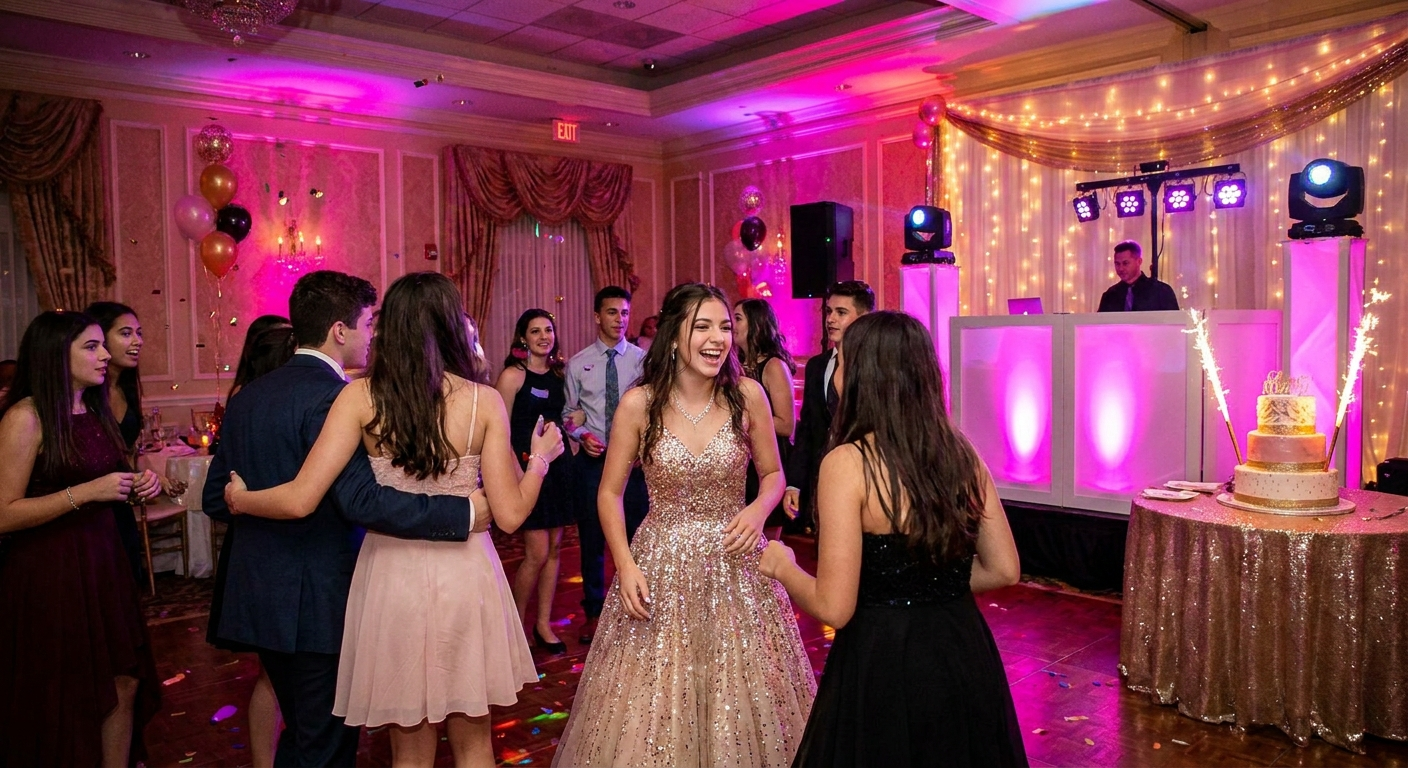
This is where your corporate event playlist goes full energy. The goal is to get people moving, laughing, and bonding. High-energy tracks with strong beats and singalong choruses work best.
- "Uptown Funk" by Mark Ronson ft. Bruno Mars — Absolute party essential that gets everyone on the floor
- "Happy" by Pharrell Williams — Crowd-pleaser that's impossible to resist
- "Shut Up and Dance" by Walk the Moon — Anthemic chorus that encourages group participation
- "Can't Stop the Feeling!" by Justin Timberlake — Pure joy in musical form
- "Don't Stop Believin'" by Journey — Ultimate singalong classic that unites any crowd
Can't-Miss Tracks for the Dance Floor
- "I Wanna Dance with Somebody" by Whitney Houston — Timeless dance anthem that works across generations
- "Dancing Queen" by ABBA — Guaranteed floor-filler for any age group
How to Build Your Corporate Event Playlist in 30 Minutes
You don't need to be a professional DJ to create an amazing corporate event playlist. Follow this step-by-step system, and you'll have a polished, professional playlist in under 30 minutes.
- Define your event moments. List every phase: arrival, networking, dinner, presentation, celebration, departure. Each phase needs a different musical mood.
- Set tempo targets. Assign a BPM range to each moment. Use the guide above: 90-110 for networking, 60-80 for dinner, 120-140 for dancing.
- Gather song requests. Send a simple email or use a tool like PartyMusicPlaylist to let attendees submit songs. This builds anticipation and ensures your playlist reflects the crowd.
- Build your core list. Start with 60-80 songs for a 4-hour event. Use the song lists above as your foundation, then add your own favorites that match the tempo and mood.
- Screen for explicit content. Check every song's lyrics. Use a clean version or skip tracks with profanity. Nothing kills a corporate vibe faster than an F-bomb during dinner.
- Arrange by energy curve. Start mellow, build gradually, peak during the dance portion, then wind down for the finale. Avoid sudden jumps in energy.
- Test and adjust. Listen to the entire playlist from start to finish. Remove any songs that feel jarring or out of place. Check for repeats.
⚠️ Heads Up: Don't rely on streaming service algorithms alone. They often suggest songs based on your listening history, which may not match your corporate audience. Always manually review every track.
Using Guest Song Requests to Boost Engagement
One of the most powerful features of PartyMusicPlaylist is the ability to let attendees submit song requests before and during the event. This simple feature can dramatically improve your corporate event playlist and your ROI.
When attendees feel heard, they engage more. They're more likely to stay longer, network more, and remember your event positively. Guest requests also give you a direct window into your audience's musical preferences, helping you avoid the demographic mistakes we discussed earlier.
How to implement guest requests effectively:
- Send a request link 2 weeks before the event in your confirmation email
- Display a QR code at the event that links to a live request form
- Use requests to identify popular songs and play them during peak moments
- Thank attendees by name when you play their request — it's a small gesture with big impact
"We used guest song requests for our annual sales kickoff. The engagement was incredible. People were checking the playlist daily to see if their songs made it. By the event day, we had over 200 requests and a crowd that was genuinely excited about the music." — James R., Sales Director
Common Corporate Event Playlist Mistakes to Avoid
Let's recap the biggest pitfalls and add a few more. Avoid these at all costs:
- Playing songs with explicit lyrics: Always use clean versions. One bad word can ruin the entire vibe.
- Ignoring volume levels: Music should be heard, not felt. Keep it at conversation-friendly levels during networking and dinner.
- Using the same playlist for every event: Each event has a unique audience and purpose. Customize your corporate event playlist every time.
- Forgetting to test the sound system: A great playlist sounds terrible through bad speakers. Test your audio setup before guests arrive.
- Playing music that's too niche: Avoid obscure indie tracks that only you love. Stick with widely recognized songs that have broad appeal.
💡 Pro Tip: Create a "recovery playlist" of 10-15 songs that you can switch to if the main playlist isn't working. Include crowd-pleasers like "Sweet Caroline" and "Livin' on a Prayer" that can save any moment.
Expert Tips for Maximizing Your Corporate Event Playlist ROI
You've got the playlist. Now here's how to maximize its impact on your event's success.
- Sync music to transitions: Use a high-energy song to signal the start of a new activity or the end of a break. This creates natural momentum.
- Use silence strategically: A moment of quiet before a speaker or award can build anticipation. Don't be afraid of brief pauses.
- Brand your playlist: Give your corporate event playlist a name that reflects your event theme. Share the playlist link with attendees afterward as a souvenir.
- Export to DJ software: If you're using a live DJ, export your playlist from PartyMusicPlaylist in a format they can use. This ensures your vision is executed perfectly.
"The best corporate events feel seamless. The music flows naturally from one moment to the next. Attendees shouldn't notice the playlist — they should just feel the energy. That's the sign of a professional corporate event playlist." — David K., Event DJ
Why PartyMusicPlaylist Is Your Secret Weapon
Building a perfect corporate event playlist doesn't have to be hard. Browse Playlist Templates that are pre-built for corporate events, or use our smart builder to create a custom playlist in minutes. Our tool prevents duplicate songs, screens for explicit content, and lets you collect guest requests with a simple link.
You can also Create Your Playlist and export it directly to your streaming service or DJ software. No more juggling spreadsheets or worrying about repeats. Just great music that drives results.
Ready to stop making these mistakes and start delivering events that attendees rave about? Your corporate event playlist is the easiest win you'll get in 2026.
Frequently Asked Questions
PartyMusicPlaylist Team
Helping you create the perfect soundtrack for life's most memorable moments. Expert tips on event music planning, DJ coordination, and playlist curation.
Learn MoreReady to Plan Your Event Music?
Create the perfect playlist for your special event. Search songs, organize your timeline, and share with your DJ.
Get Started FreeRelated Articles
Continue reading